

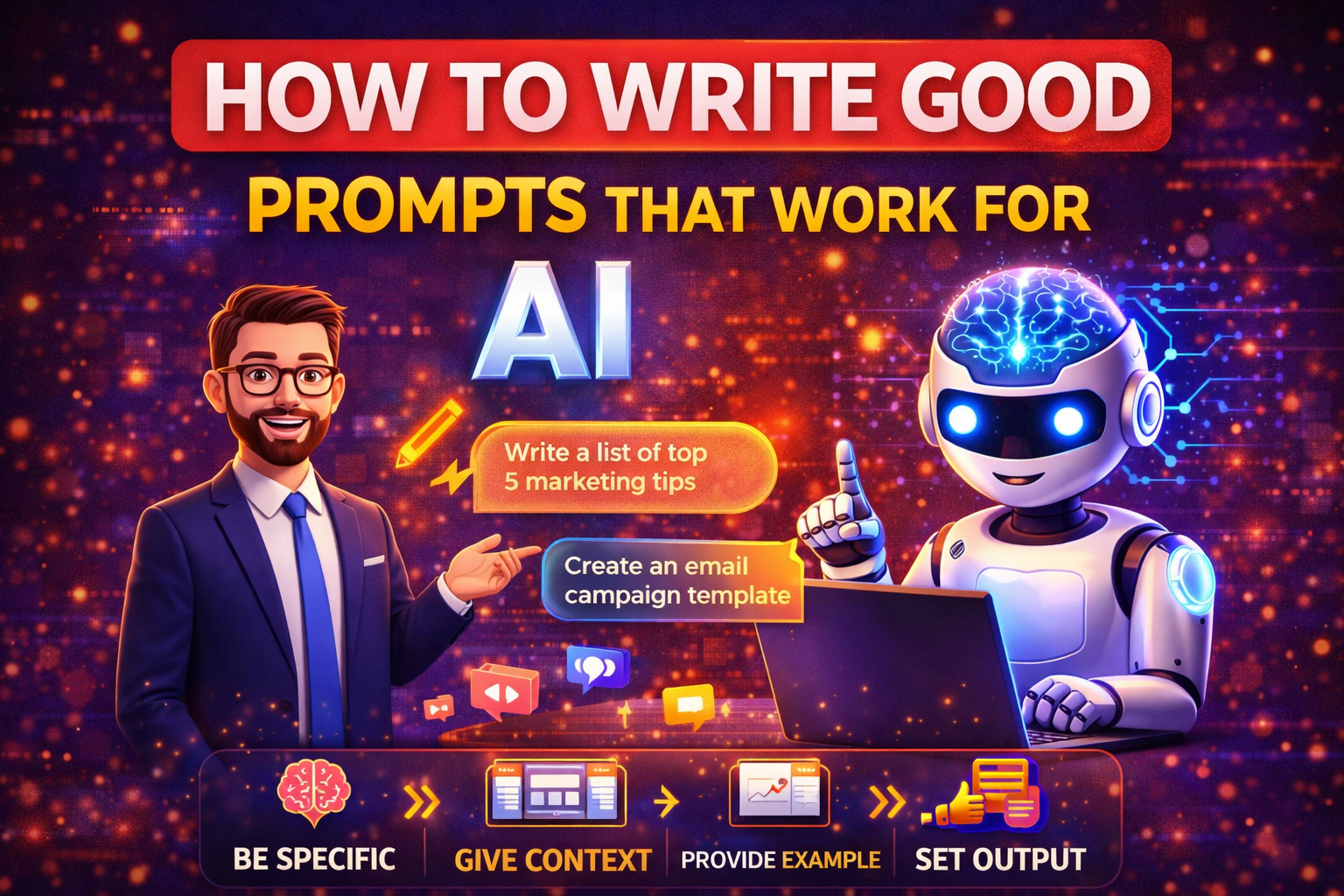
19 Mar How to Write Good Prompts That Work for AI (Prompt Engineering for Beginners)
You’ve been there.
You open ChatGPT. You type: “Write a blog post about digital marketing.”
The AI writes something. It’s fine. Generic. Bland. Reads like every other blog post about digital marketing. You sigh. This is not the magic everyone promised.
So you try again. “Make it better.” The AI tweaks a few words. Still nothing special. You close the tab, disappointed. Maybe AI isn’t as great as they said.
Here’s the truth nobody tells you: the AI isn’t the problem. The prompt is.
AI is like a genie. It grants your wish exactly as you word it—not as you meant it. If your wish is vague, the result is vague. If your wish is specific, the result is magic.
This is prompt engineering. Fancy name, simple concept: learning to talk to AI so it actually gives you what you want.
And in 2026, this skill separates the people who get value from AI from the people who call it overhyped.
Let me show you how to do it right.
What Is Prompt Engineering? (Simple Explanation)
Prompt engineering is just learning how to ask.
Think of AI as a brilliant but very literal intern. They know everything, but they need clear instructions. They don’t read your mind. They don’t guess what you really want. They do exactly what you say.
If you say “write something about dogs,” they’ll write something—maybe a paragraph, maybe a page, maybe a poem. Who knows? You didn’t specify.
If you say “write a 500-word blog post about training Labrador puppies, for new dog owners, with a friendly tone, 5 tips, and a conclusion,” you’ll get exactly that.
That’s prompt engineering. Being specific. Giving context. Setting constraints. Telling the AI who, what, when, where, why, and how.
The better your prompt, the better your result. Simple as that.
The Golden Formula: 5 Parts of a Great Prompt
After years of testing, experts have found a formula that works. Use it every time.
1. Role – Who should the AI pretend to be?
2. Task – What do you want it to do?
3. Context – What background information does it need?
4. Format – How should the response look?
5. Constraints – Any limits? Length? Tone? Style?
Let’s see this in action.
Bad prompt: “Write about social media marketing.”
Good prompt using the formula:
“Act as an experienced social media marketing consultant (role). Write a 800-word guide for small business owners who are just starting with Instagram (task + audience). They have no prior experience and limited budget (context). Use bullet points for key tips, include a short introduction and conclusion (format). Keep the tone friendly and encouraging, avoid jargon, and write at a 8th-grade reading level (constraints).”
See the difference? The good prompt gives the AI everything it needs to deliver something useful. The bad prompt leaves it guessing.
Let’s break down each part.
Part 1: Role (Who Is the AI?)
AI can be anyone. A teacher. A marketer. A chef. A friend. A mentor. A critic. You just have to tell it.
Setting a role changes everything. The AI adopts that persona. It draws on relevant knowledge. It speaks in the right voice.
Examples:
- “Act as a experienced yoga teacher…”
- “You are a career counselor helping fresh graduates…”
- “Pretend you’re a friendly older sister giving advice…”
- “Speak as a skeptical journalist questioning claims…”
- “You are a strict editor who hates fluff…”
The role frames everything that follows. Don’t skip it.
Part 2: Task (What Exactly Should It Do?)
Be specific. Vague tasks get vague results.
Instead of: “Write about content marketing.”
Try: “Write a step-by-step guide for creating a content calendar.”
Even better: “Write a step-by-step guide for creating a monthly content calendar for a small business with no marketing team.”
The more specific, the better. Tell the AI exactly what you want it to produce.
Task verbs to use: Write, explain, summarize, compare, analyze, create, list, outline, translate, rewrite, simplify, expand, critique, brainstorm.
Choose the right verb for what you need.
Part 3: Context (What Does the AI Need to Know?)
AI doesn’t know your situation unless you tell it. Give background. Set the scene. Explain the backstory.
Context examples:
- “My audience is busy working parents with no time to cook…”
- “I’m writing for teenagers who think history is boring…”
- “This is for a luxury brand, not a budget store…”
- “My client is in a highly regulated industry (finance)…”
- “The reader already knows basic concepts, so skip the beginner stuff…”
Context helps the AI tailor the response to your actual situation. Without it, you get generic content that fits everyone and pleases no one.
Part 4: Format (How Should It Look?)
Don’t let the AI decide the structure. You decide.
Format options:
- Bullet points or numbered lists
- Paragraphs with headings
- A table comparing options
- A short email vs a long report
- Dialogue or interview format
- Step-by-step instructions
- Pros and cons list
- FAQ format
Tell the AI exactly how you want the output structured. It will follow your instructions.
Example: “Present the information as a table with three columns: Tool Name, Best For, Price. Then add a short paragraph summary below the table.”
Now you get exactly what you envisioned.
Part 5: Constraints (What Are the Limits?)
Set boundaries. Without them, AI will ramble.
Common constraints:
- Word count: “Exactly 500 words” or “Between 300-400 words”
- Tone: “Professional but friendly,” “Casual like texting a friend,” “Formal for a business proposal”
- Reading level: “8th grade level,” “Simple enough for a child to understand”
- Exclusions: “Don’t mention competitors by name,” “Avoid technical jargon”
- Inclusions: “Include at least three real-world examples,” “Mention these specific statistics”
Constraints focus the AI. They prevent it from wandering into irrelevant territory.
The Formula in Action: Before and After
Let me show you real examples of bad vs good prompts.
Example 1: Blog Post Idea
Bad: “Give me blog post ideas about fitness.”
Good: “Act as a fitness blogger (role). Brainstorm 10 blog post ideas for women over 40 who want to start strength training but are intimidated by the gym (task + audience). Focus on beginner-friendly topics, building confidence, and home workouts (context). Present as a numbered list with a short description for each idea (format). Keep ideas practical, not theoretical (constraints).”
Example 2: Email to a Client
Bad: “Write an email to a client.”
Good: “Act as a freelance graphic designer (role). Write a polite email to a client who is 3 days late on payment (task). We have a good relationship and this is their first late payment (context). The tone should be friendly but clear, not aggressive (constraints). Include a payment link and ask if there’s any issue with the invoice (format). Keep it under 150 words (constraint).”
Example 3: Social Media Caption
Bad: “Write an Instagram caption for a coffee shop.”
Good: “Act as a social media manager for a small local coffee shop (role). Write 3 Instagram caption options for a post featuring our new seasonal drink (task). Our audience is local young professionals and students (context). Captions should be short, friendly, and include relevant emojis (format). Include 3-5 hashtags at the end (constraint). Make them feel warm and inviting, not salesy (tone).”
See the difference? The good prompts give the AI everything it needs to deliver something useful.
Advanced Techniques (Once You Master the Basics)
Once you’re comfortable with the formula, try these advanced methods.
Chain prompting: Break complex tasks into steps. First prompt: “Create an outline for…” Second prompt: “Now expand section 2 into detailed paragraphs…” Third prompt: “Now write a conclusion that ties everything together…” Each step builds on the last.
Iterative refinement: Start with a draft, then ask for improvements. “Make it more persuasive.” “Shorten this by half.” “Add more examples here.” “Make the tone warmer.” AI can revise endlessly. Use it.
Few-shot prompting: Give examples of what you want. “Here’s a good email I wrote. Write three more in the same style.” AI learns from examples better than instructions alone.
Negative prompting: Tell AI what to avoid. “Don’t use clichés.” “Avoid starting sentences with ‘In conclusion’.” “Don’t mention COVID.” Explicitly stating what you don’t want helps.
System prompts: Set the rules once, then ask multiple questions. “You are my marketing assistant. Always respond in clear, simple English. Use bullet points when listing options. Now, first task:…” The AI remembers the rules throughout the conversation.
Common Mistakes Beginners Make
Learn from others’ errors.
Mistake 1: Being too vague. “Write something about marketing.” AI has no idea what you want. Be specific.
Mistake 2: Forgetting context. AI doesn’t know your audience, your brand, your situation. Tell it.
Mistake 3: No format instructions. You get a wall of text when you wanted bullet points. Specify format.
Mistake 4: Accepting the first result. The first draft is rarely the best. Iterate. Refine. Ask for improvements.
Mistake 5: Not fact-checking. AI makes mistakes. It invents things. Verify important information.
Mistake 6: Using AI for everything. Some tasks need human touch. Use AI for drafts, research, ideas—but add your own voice.
Mistake 7: Giving up too soon. If the first result is bad, refine your prompt. Don’t blame AI. Blame the instructions.
Prompt Templates You Can Copy (For Marketers)
Here are ready-to-use prompts for common marketing tasks. Customize as needed.
For Blog Posts:
“Act as an experienced content writer in [your industry]. Write a [word count]-word blog post about [topic] for [target audience]. They already know [level of knowledge], so don’t cover basics. Include an introduction, [number] main sections with subheadings, and a conclusion. Use a [friendly/professional/casual] tone. End with a question to encourage comments. Avoid jargon.”
For Social Media Captions:
“Act as a social media manager for [brand type]. Write [number] caption options for a post about [topic/image]. Our audience is [describe audience]. Captions should be [short/medium/long] and include [number] emojis. End with a call-to-action asking [specific action]. Include [number] relevant hashtags.”
For Email Newsletters:
“Act as a newsletter writer for [brand]. Write a weekly newsletter email to our subscribers about [topic]. The email should have: a catchy subject line, a friendly greeting, [number] main points with brief explanations, a personal story or update, and a clear call-to-action. Tone should be [conversational/professional/warm]. Keep it under [word count] words.”
For Ad Copy:
“Act as a copywriter specializing in Facebook/Google ads. Write [number] ad variations for a product/service that [describe what it does]. Target audience is [describe]. Each ad should have: a headline (max 40 characters), primary text (max 125 characters), and a call-to-action. Focus on [benefit/emotion/urgency]. Avoid hype; be genuine.”
For Brainstorming Ideas:
“Act as a creative strategist. Brainstorm [number] ideas for [project/goal]. Our brand is [describe brand personality]. Our audience is [describe]. Ideas should be [practical/creative/budget-friendly]. Present as a numbered list with a short description for each idea.”
Copy these, paste into your AI tool, replace the bracketed parts with your details, and watch the quality improve.
How to Fix Bad Results
Sometimes AI gives you garbage. Don’t give up. Fix it.
If it’s too long: “Shorten this by half. Keep only the most important points.”
If it’s too short: “Expand this. Add more details and examples.”
If it’s too generic: “Make this more specific. Add concrete examples.”
If the tone is wrong: “Rewrite this in a [casual/professional/funny] tone.”
If the structure is messy: “Reorganize this with clear headings and bullet points.”
If it’s factually wrong: “This doesn’t seem right. Check your facts about [topic] and correct any errors.”
Treat AI like an intern. Give feedback. Ask for revisions. The second draft is almost always better.
The Future of Prompting (2026 and Beyond)
In 2026, prompting is evolving. AI is getting smarter, but the skill of asking well is still essential.
New developments:
- Multimodal prompting: Upload images, PDFs, spreadsheets, and ask questions about them.
- Voice prompting: Speaking naturally to AI, not typing.
- Agent-style prompting: Giving goals, not just tasks. “Manage my social media for the month” instead of “write a post.”
- Custom instructions: Setting permanent rules so AI always knows your preferences.
But the fundamentals remain: be specific, give context, set constraints, iterate.
Master these, and you’ll get value from AI forever, no matter how the technology changes.
Conclusion: Talk to AI Like a Person (Who Needs Clear Instructions)
Here’s the secret: AI is not magic. It’s a tool. And like any tool, you need to learn how to use it.
A bad carpenter blames their tools. A good carpenter learns how to use them. The same applies to AI.
Stop blaming AI for bad results. Start improving your prompts.
Remember the formula: Role, Task, Context, Format, Constraints. Use it every time. Be specific. Give examples. Iterate. Refine.
In 2026, the best marketers aren’t the ones who know the most facts. They’re the ones who know how to ask AI for what they need—and get back something useful.
That can be you. Start practicing today.
Frequently Asked Questions (FAQs)
1. How long should a good prompt be?
Long enough to be clear, short enough to be readable. There’s no magic number. Some of the best prompts are 2-3 sentences with specific details. Others are longer paragraphs with extensive context. Focus on clarity, not length. If the AI understands what you want, your prompt is long enough.
2. Do I need to use the same prompt every time?
No. The formula is a guide, not a rule. As you get comfortable, you’ll develop your own style. Some tasks need all five parts. Some need just two. Learn the formula, then adapt it to your needs.
3. Why does AI sometimes ignore my instructions?
Several reasons: instructions might be unclear, conflicting, or too complex. AI might prioritize later instructions over earlier ones. Or the model might have limits. Try simplifying. Break complex requests into steps. Be explicit about what matters most.
4. Can I use the same prompt across different AI tools?
Mostly yes. ChatGPT, Claude, Gemini, and others understand similar language. But each has slightly different strengths. What works perfectly in one might need tweaking in another. Experiment. Learn what each tool does best.
5. Is prompt engineering a career skill now?
Yes. Companies are hiring “prompt engineers” to get the most from AI. But for most marketers, it’s not a separate career—it’s a core skill like writing or data analysis. Every marketer in 2026 needs to know how to talk to AI. It’s as basic as knowing how to use email.
No Comments