
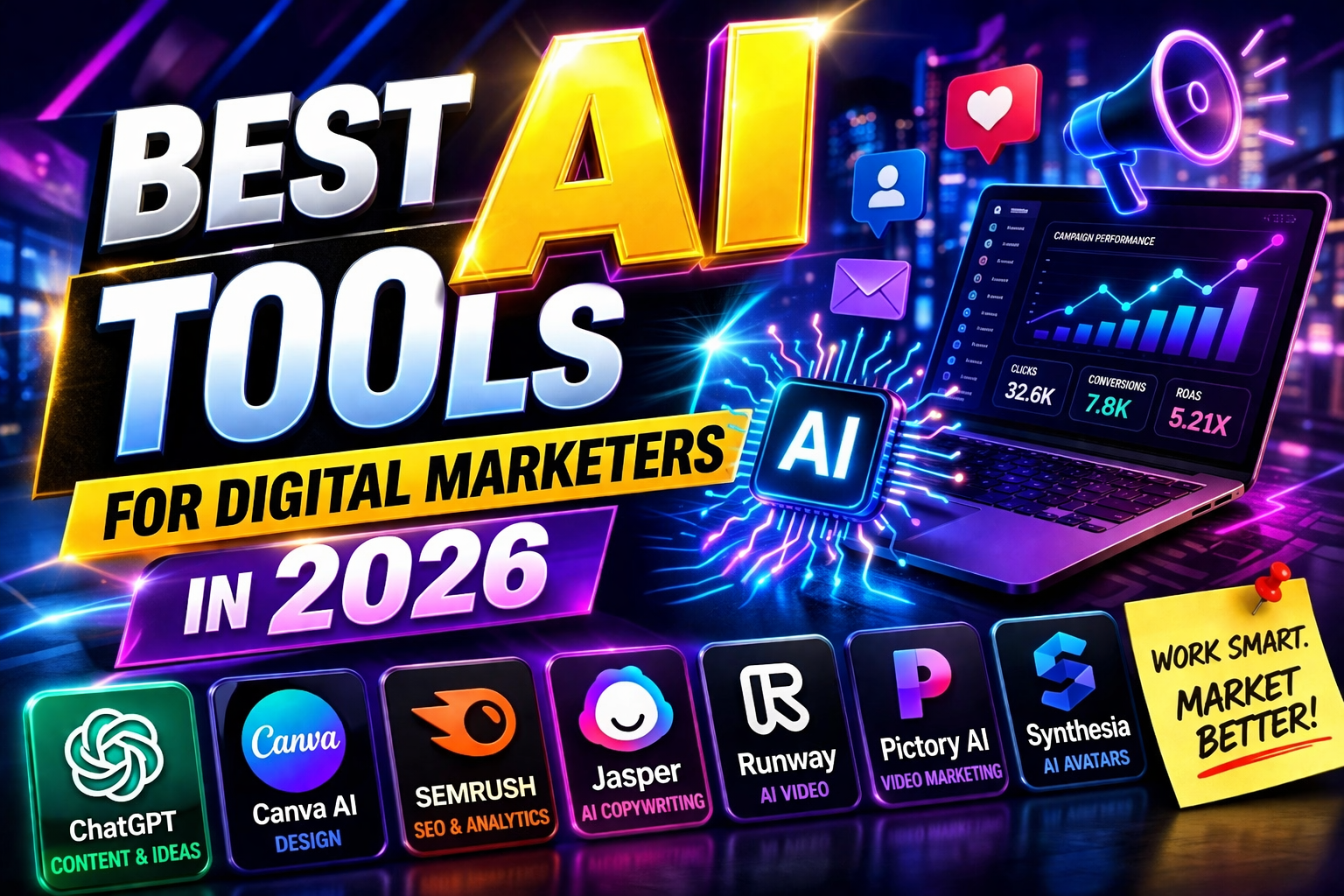
16 Apr Best AI Tools for Digital Marketers in 2026
You’ve heard the hype. “AI will replace you.” “AI is the future.” “You need 50 AI tools to survive.”
It’s exhausting.
Here’s the truth: you don’t need fifty tools. You need the right tools. The ones that actually save time, improve quality, and fit into your existing workflow—without a PhD in prompt engineering.
I’ve tested dozens of AI tools. Most are gimmicks. Some are game-changers. This list is the latter. Fifteen tools, each with a clear primary purpose. No overlap. No fluff. Just the best in their category.
Let’s dive in.
1. ChatGPT – Best for Content Ideas & Writing
Primary purpose: Brainstorming, drafting, and refining written content.
ChatGPT is the Swiss Army knife of AI tools. It’s not the best at everything, but it’s good at almost everything. Need blog headlines? ChatGPT. Need email drafts? ChatGPT. Need to simplify a complex topic? ChatGPT. Need to brainstorm 50 content ideas in 30 seconds? ChatGPT.
In 2026, ChatGPT-5 has improved dramatically. Longer context windows (1 million+ tokens), better reasoning, and the ability to reference uploaded files without losing track. It’s less robotic and more conversational.
Best for: Daily writing tasks, idea generation, research summaries, draft creation.
Pricing: Free tier available. Plus: $20/month. Pro: $200/month (for heavy users).
Pro tip: Use custom instructions to set your brand voice once. ChatGPT will remember it across all conversations.
2. Gemini (Google) – Best for AI Image Generation
Primary purpose: Generating high-quality, photorealistic images directly from text prompts.
Gemini’s image generation, powered by Imagen 3, has quietly become the best option for marketers who need realistic product shots, lifestyle images, and branded visuals. Unlike Midjourney’s artistic flair, Gemini produces images that look like real photographs.
What sets it apart? Integration. You can generate images directly within Google Docs, Slides, and Gmail. No switching tabs. No copying and pasting. Seamless workflow.
Best for: Product photography, social media visuals, blog featured images, ad creatives.
Pricing: Free with Google account. Higher resolution and volume via Gemini Advanced ($19.99/month).
Pro tip: Upload a reference image for “style transfer.” Gemini can generate new images in the exact same visual style as your existing brand assets.
3. Kling – Best for AI Videos & Reels with Audio
Primary purpose: Generating cinematic short-form videos with synchronized audio (dialogue, sound effects, ambient noise).
While other tools generate silent videos you have to score later, Kling 2.6 generates complete, publish-ready reels. Type “A chef in a busy kitchen says ‘This is the secret to perfect pasta,'” and you get the visuals, the lip movements matching the words, and the ambient kitchen sounds all in one go.
It’s the only tool on this list that truly understands that video is an audio-visual medium, not just a visual one.
Best for: Instagram Reels, YouTube Shorts, TikTok videos, and any short-form content where sound matters.
Pricing: Credit-based. Free tier available. Paid plans start around $10/month.
Pro tip: Use the “audio-only” mode to generate voiceovers for existing footage. You don’t have to generate the video to get the sound.
4. Claude (Anthropic) – Best for Long-Form Content & Analysis
Primary purpose: Writing detailed, nuanced, human-sounding long-form content (ebooks, whitepapers, detailed guides).
ChatGPT is great for short content. Claude is better when you need depth. It handles 200,000+ tokens in a single conversation—that’s an entire novel. More importantly, it maintains consistency across those 200,000 tokens.
Claude also has a distinct “voice.” Less robotic. More conversational. Marketers use it for whitepapers, case studies, and detailed buyer’s guides that need to feel human, not generated.
Best for: Ebooks, whitepapers, detailed blog posts (3000+ words), research summaries, client proposals.
Pricing: Free tier available. Pro: $20/month. Team: $30/user/month.
Pro tip: Upload your existing long-form content as examples. Claude will learn your style and produce new content that sounds like you wrote it.
5. Perplexity AI – Best for Research & Citations
Primary purpose: AI-powered research with real citations and source verification.
ChatGPT invents facts. Perplexity doesn’t. It searches the web, finds relevant sources, and provides answers with clickable citations. Every claim is traceable to a real source.
For marketers doing competitor research, trend analysis, or data-backed content, this is invaluable. No more fact-checking. No more hallucinations. Just research you can trust.
Best for: Competitor analysis, industry research, fact-checking, data gathering for content.
Pricing: Free tier available. Pro: $20/month.
Pro tip: Use the “Focus” feature to limit searches to academic papers, news, or Reddit. Different sources for different needs.
6. Midjourney – Best for Artistic & Brand Visuals
Primary purpose: Generating stylized, artistic, and highly creative images that stand out.
Gemini is for realistic. Midjourney is for artistic. If you need a surreal dreamscape, a futuristic product render, or a visually striking social media graphic, Midjourney is unmatched.
Version 7 (released late 2025) introduced better text rendering and inpainting. You can now generate images with legible words—a long-standing weakness of AI image generators.
Best for: Social media graphics, YouTube thumbnails, brand mood boards, ad creatives that need to stop the scroll.
Pricing: $10-120/month depending on usage. No free tier.
Pro tip: Use the “stylize” parameter (0-1000) to control how artistic vs literal the output is. Lower for realistic. Higher for artistic.
7. Canva Magic Studio – Best for Non-Designers
Primary purpose: AI-powered design for marketers with zero design skills.
Canva was already the marketer’s best friend. Magic Studio made it indispensable. Magic Design generates complete templates from a text description. “Create a LinkedIn banner for a marketing consultant.” Boom. Ten options.
Magic Write generates captions directly inside your design. Magic Edit removes unwanted objects. Magic Expand fills out cropped images. All without leaving Canva.
Best for: Social media graphics, presentations, email headers, flyers, and any visual content where speed matters more than perfection.
Pricing: Free tier available. Pro: $12.99/month. Teams: $15/user/month.
Pro tip: Upload your brand kit (logo, colors, fonts). Canva’s AI will apply your brand identity to every generated design automatically.
8. Surfer SEO – Best for Content Optimization
Primary purpose: Analyzing top-ranking content and telling you exactly what to write to rank.
Surfer SEO doesn’t generate content. It optimizes it. You write (or use another AI tool to write). Surfer analyzes the top 20 ranking pages for your target keyword and gives you a data-driven brief: word count, headings, related terms, image count, readability score.
It’s like having an SEO expert looking over your shoulder while you write. No guesswork. Just data.
Best for: Blog posts that need to rank on Google. Content teams who want to scale SEO without sacrificing quality.
Pricing: $89-299/month. Expensive but pays for itself if you depend on organic traffic.
Pro tip: Use the Content Editor with real-time scoring. It turns green when your content is optimized enough to rank. Stop guessing. Start ranking.
9. Runway Gen-4 – Best for Video Editing & Effects
Primary purpose: Editing existing video footage with AI—removing objects, changing backgrounds, extending clips.
Runway isn’t just for generating videos from scratch. It’s for editing the videos you already have. Need to remove a person from a background? Runway. Need to change a blue sky to sunset? Runway. Need to extend a clip by 5 seconds? Runway.
Gen-4 introduced consistent character generation across scenes—perfect for brands creating series content.
Best for: Post-production, video cleanup, background replacement, and creative effects.
Pricing: Free tier (125 credits). Pro: $15/month. Unlimited: $95/month.
Pro tip: Use the “Inpainting” tool to remove logos or text from existing footage. Great for repurposing competitor videos (legally).
10. Synthesia – Best for Avatar-Based Videos
Primary purpose: Creating training videos, presentations, and updates using AI avatars (no camera needed).
Not every video needs to be “you.” Sometimes you need a professional spokesperson, a training video, or an internal update. Synthesia provides 140+ diverse AI avatars that speak 120+ languages.
Type your script. Choose an avatar. Generate the video. No cameras. No actors. No reshoots. Perfect for companies creating content at scale.
Best for: Training videos, onboarding, product updates, internal communications, and localized content.
Pricing: $30/month for personal use. Enterprise pricing for teams.
Pro tip: Create a custom avatar of yourself (for an additional fee). Then your team can generate videos “from you” without involving you.
11. CapCut AI – Best for Free Video Editing
Primary purpose: Editing short-form videos with AI-powered captions, effects, and text-to-speech.
CapCut is the unofficial editor of TikTok and Instagram Reels. It’s free. It’s powerful. And its AI features keep getting better.
Auto-captions (essential for social media, where most watch without sound). Auto-cut (removes silences automatically). Text-to-speech with natural voices. AI color correction. Motion tracking. All free.
Best for: Editing AI-generated footage, adding captions, creating social media ready videos.
Pricing: Free. Pro version available but not necessary for most users.
Pro tip: Use the “Auto-caption” feature on every video. Captions increase watch time by 40% on platforms where sound is off by default.
12. Mailchimp AI – Best for Email Optimization
Primary purpose: Predicting optimal send times, personalizing content, and recommending products for email campaigns.
Mailchimp’s AI isn’t flashy. It’s practical. It analyzes your subscriber behavior and tells you the best time to send each email. It personalizes subject lines and content for each recipient. It recommends products based on purchase history.
The result? Higher open rates, higher click-through rates, and higher revenue—without you doing anything differently.
Best for: Email marketing optimization, send time prediction, product recommendations.
Pricing: Free tier available (limited features). Premium: $350/month for advanced AI features.
Pro tip: Use the “Content Optimizer” to test subject lines and preview text before sending. The AI predicts which will perform best.
13. Google Analytics 4 (GA4) – Best for Predictive Insights
Primary purpose: Predicting future customer behavior—who will buy, who will churn, who will spend more.
GA4’s AI isn’t a separate tool. It’s built into the platform. And it’s incredibly powerful.
It predicts which users are most likely to purchase in the next 7 days. Which are likely to churn. Which have high lifetime value potential. You can create audiences based on these predictions and target them with ads or special offers.
Best for: Customer behavior prediction, audience segmentation, ad targeting optimization.
Pricing: Free for most businesses.
Pro tip: Create a “Likely to churn” audience in GA4. Export to Google Ads. Show retention offers to those users before they leave.
14. AdCreative.ai – Best for Ad Creative Generation
Primary purpose: Generating ad creatives (images + copy) at scale, with AI predicting which will perform best.
AdCreative.ai solves a specific problem: you need to test many ad creatives, but you don’t have time to design them all. Upload your brand assets. Give it your product info. It generates dozens of ad variations—headlines, images, CTAs—ranked by predicted performance.
It’s not perfect. But it’s a massive head start. Test the top 5 predictions. Scale the winners.
Best for: Facebook, Instagram, Google, and LinkedIn ads. Especially for e-commerce and DTC brands.
Pricing: $29-299/month depending on volume.
Pro tip: Generate 50 creatives. Run the top 5 predictions against each other. Let the AI be wrong occasionally—your audience might surprise you.
15. Zapier AI – Best for Workflow Automation
Primary purpose: Connecting AI tools together so they work as a team, not in isolation.
Zapier’s AI isn’t a content generator. It’s a coordinator. It connects ChatGPT to Google Sheets. It connects Surfer SEO to your CMS. It connects GA4 to Slack. It builds workflows where AI tools pass data to each other automatically.
Example: New blog post idea in Google Sheets → Zapier sends to ChatGPT for outline → Sends to Surfer for SEO optimization → Creates draft in WordPress. All automated. No manual steps.
Best for: Connecting your AI stack, automating repetitive workflows, saving time.
Pricing: Free tier (100 tasks/month). Paid plans start at $19.99/month.
Pro tip: Use “AI by Zapier” as a step in your workflows. You can run prompts automatically based on triggers. The ultimate automation layer.
Quick Reference Table
| Tool | Best For | Pricing (Starting) | |——|———-|——————–| | ChatGPT | Content ideas & writing | Free / $20/mo | | Gemini | AI image generation | Free / $20/mo | | Kling | AI videos with audio | Free / $10/mo | | Claude | Long-form content | Free / $20/mo | | Perplexity | Research & citations | Free / $20/mo | | Midjourney | Artistic images | $10/mo | | Canva Magic Studio | Non-designer design | Free / $13/mo | | Surfer SEO | Content optimization | $89/mo | | Runway Gen-4 | Video editing | Free / $15/mo | | Synthesia | Avatar videos | $30/mo | | CapCut AI | Free video editing | Free | | Mailchimp AI | Email optimization | Free / $350/mo | | GA4 | Predictive insights | Free | | AdCreative.ai | Ad creative generation | $29/mo | | Zapier AI | Workflow automation | Free / $20/mo |
How to Choose Which Tools to Use
You don’t need all 15. Here’s how to choose.
For content creators: ChatGPT, Claude, Perplexity, Canva, CapCut. That’s five tools. Covers writing, research, design, and video.
For SEO specialists: Surfer SEO, Perplexity, GA4, ChatGPT. That’s four. Covers optimization, research, analytics, and content.
For social media managers: Kling, CapCut, Canva, Midjourney, AdCreative.ai. That’s five. Covers video, design, images, and ads.
For email marketers: Mailchimp AI, ChatGPT, Canva. That’s three. Covers optimization, writing, and design.
For automation enthusiasts: Zapier AI, ChatGPT, GA4. That’s three. Covers workflows, content, and analytics.
Start with the tools that solve your biggest pain point. Add more as you need them. Don’t collect tools like Pokémon. Use what works.
The Future: Your AI Toolkit
AI tools aren’t replacing marketers. They’re replacing the tedious parts of marketing. The research. The drafting. The optimization. The editing. The repetitive tasks that eat your day.
The marketers who thrive in 2026 aren’t the ones with the most AI tools. They’re the ones who know which tool to use for which job, and how to use them together.
Start with one tool from this list. Master it. Add another. Build your toolkit. Watch your productivity multiply.
Your AI-powered marketing career starts now.
Frequently Asked Questions (FAQs)
1. Which AI tool should I learn first as a beginner?
Start with ChatGPT. It’s free, versatile, and teaches you how to interact with AI. Once you’re comfortable, add Canva Magic Studio for design and CapCut for video. Those three cover 80% of daily marketing tasks.
2. Are free AI tools good enough for professional marketing?
For many tasks, yes. ChatGPT free, Gemini free, Canva free, and CapCut free are surprisingly powerful. You only need paid versions for volume (many generations), higher quality (better voices, higher resolution), or specific features (like custom avatars). Start free. Upgrade when you hit limits.
3. How do I keep up with new AI tools?
You don’t need to. Master a core set of 5-7 tools that work for you. New tools will come and go. Most aren’t better—just different. Stick with what works. Evaluate new tools quarterly, not daily.
4. Can I use these tools for client work?
Yes, with disclosure. Many tools have commercial licenses. But always review AI-generated output before sending to clients. AI makes mistakes. Your judgment is what they’re paying for.
5. Which tool is most underrated on this list?
Perplexity AI. Most marketers use ChatGPT for research and get inaccurate information. Perplexity gives you citations. You can verify everything. For data-driven marketing, it’s invaluable.
No Comments