Let me ask you something. How many times have you wanted to create a professional video for your business, but stopped because it seemed too expensive or time-consuming?
If you're like most digital marketing professionals, the answer is: "Too many times." Traditional video production is expensive. You need cameras, lighting, editing software, and most importantly—skills. But here's the good news: AI video generation tools are changing everything.
In 2026, you can create professional-quality videos for free. Yes, absolutely free. In this guide, I'll show you the best free AI video generation tools in 2026—tools that will save you thousands of dollars and hundreds of hours. Whether you're a digital marketing professional, a content creator, or a student taking a digital marketing course, these tools will transform your content creation.
Let's dive in.
1. Why AI Video Generation Matters in 2026
Video content dominates the internet. Posts with video get significantly more engagement than those without. In social media marketing, video is non-negotiable. But creating professional video has traditionally been expensive and time-consuming.
AI video generation changes everything. These tools let you:
- Create professional videos in minutes
- Generate unlimited variations for A/B testing
- Produce content at scale without a production crew
- Eliminate video production costs entirely
Whether you're creating content for social media marketing, building a brand, or just experimenting with creative ideas, AI video generation is a game-changer.
2. How to Choose the Right AI Video Tool
Not all AI video tools are created equal. Each has strengths, weaknesses, and ideal use cases. Here's a quick framework to help you choose:
- What's your goal? Social media content? Product demos? Educational videos?
- What's your style preference? Realistic? Animated? Artistic?
- How much volume do you need? Some tools have generous free tiers; others are more limited.
- What's your technical comfort level? Some tools are beginner-friendly; others have more advanced controls.
Now let's look at the best free options available in 2026.
3. The 5 Best Free AI Video Generation Tools in 2026
3.1 Google Flow – 50 Free Credits Daily
What it does: Google Flow is Google's AI video generation platform. It creates professional-quality videos from text prompts, images, or existing footage.
Best for: General-purpose video creation, marketing content, social media videos.
Free tier: 50 credits per day—generous enough for daily content creation.
Key strengths: Google-quality AI, user-friendly interface, integration with Google ecosystem.
Limitations: Limited customization compared to paid tools.
Pro tip: Use Google Flow to create multiple variations of the same video and test which performs best.
3.2 Pixverse – 30 Free Credits Daily
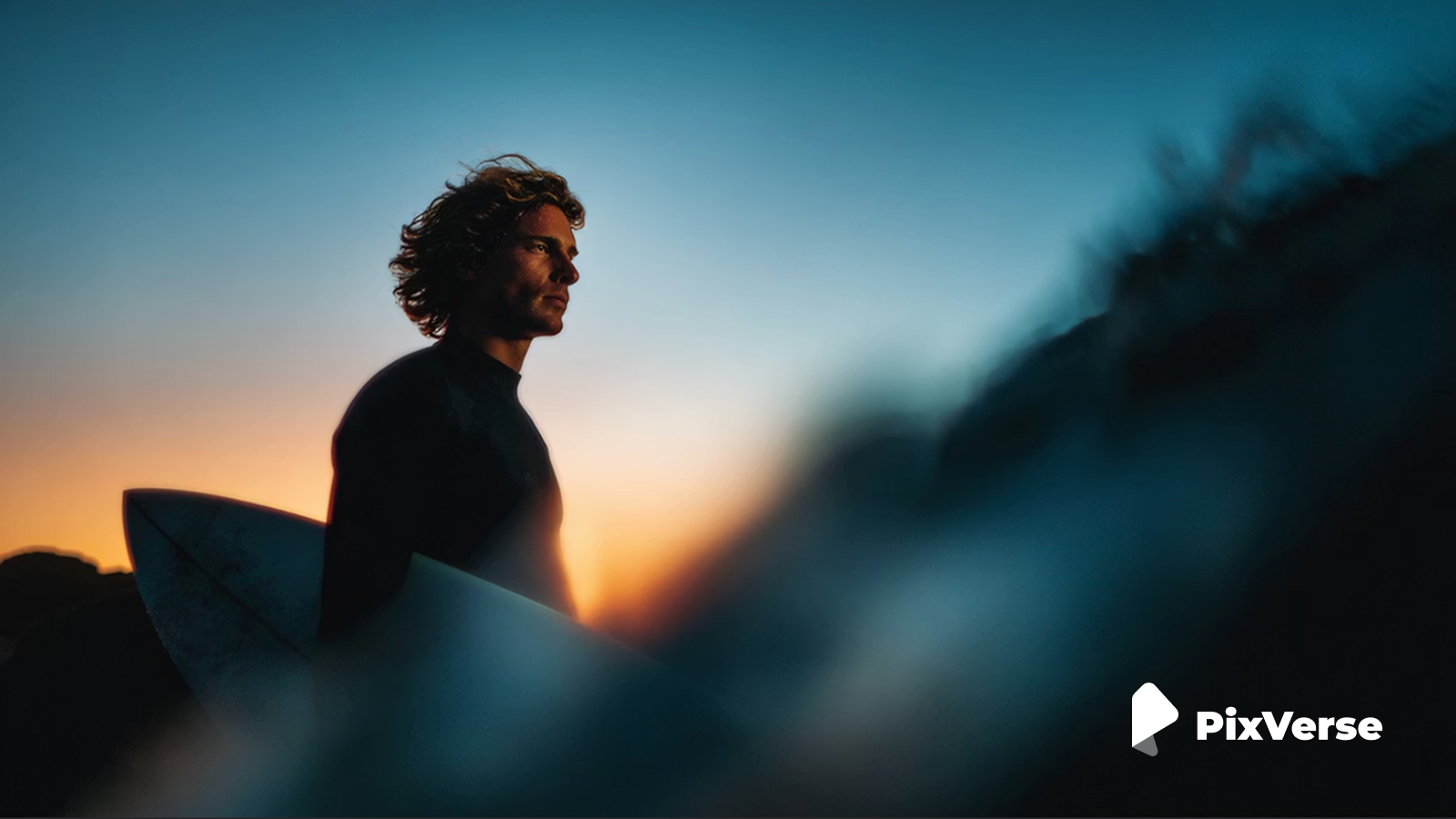
What it does: Pixverse's AI video tool generates videos from text prompts, using its extensive library of royalty-free assets.
Best for: Stock footage-style videos, commercial projects, content with high-quality visuals.
Free tier: 30 credits per day.
Key strengths: Access to Pixverse massive library of images and sounds, commercial-friendly, reliable quality.
3.3 Kling – 66 Free Credits Per Month
What it does: Kling, developed by Kuaishou, creates hyper-realistic videos from text prompts and images. It's known for exceptional quality and realistic motion.
Best for: Product demonstrations, high-quality marketing videos, cinematic content.
Free tier: 66 credits per month (about 2-3 videos).
Key strengths: Exceptional realism, smooth motion, cinematic quality.
Limitations: Limited free quota; best used for high-impact projects.
Pro tip: Use your Kling credits for your most important videos—product launches, ad campaigns, etc.
3.4 Wan.video – 10 Free Credits Daily
What it does: Wan.video specializes in cinematic, dramatic video generation with exceptional lighting and composition.
Best for: Storytelling videos, brand imagery, cinematic content, mood pieces.
Free tier: 10 credits per day.
Key strengths: Film-like quality, dramatic lighting, emotional atmosphere.
Limitations: Best for artistic work; may not suit practical or minimalist needs.
Pro tip: Use cinematic keywords in your prompts: "dramatic lighting," "film grain," "shallow depth of field."
3.5 Qwen – Free Video Generation
What it does: Qwen, Alibaba's multimodal AI, includes video generation capabilities. It's completely free with no known daily limits.
Best for: Unlimited experimentation, high-volume video creation, budget-conscious creators.
Free tier: Completely free—no known limits.
Key strengths: No usage limits, simple prompts work, reliable quality.
Limitations: Less sophisticated than some competitors; may not match the cinematic quality of Kling or Wan.
Pro tip: Use Qwen for high-volume tasks where you need many simple videos—social media backgrounds, email headers, etc.
4. Comparison Table
| Tool | Free Credits | Best For | Quality |
|---|---|---|---|
| Google Flow | 50/day | General-purpose video | ⭐⭐⭐⭐ |
| Pixabay | 30/day | Stock footage-style | ⭐⭐⭐⭐ |
| Kling | 66/month | Cinematic, realistic | ⭐⭐⭐⭐⭐ |
| Wan.video | 10/day | Cinematic storytelling | ⭐⭐⭐⭐⭐ |
| Qwen | No limit | High-volume, simple | ⭐⭐⭐ |
5. How to Get the Best Results from AI Video Tools
Here are universal tips that will improve your AI-generated videos regardless of which tool you use.
5.1 Write Detailed Prompts
Instead of "a product video," write "a cinematic 5-second product animation showing a luxury watch rotating slowly with dramatic lighting on a dark gradient background." The more detail, the better the result.
5.2 Specify Style and Mood
Include keywords like: "cinematic," "photorealistic," "dramatic lighting," "slow motion," "commercial style," "film grain."
5.3 Use Negative Prompts
Tell the AI what you don't want. "No shaky camera, no blurry images, no watermarks."
5.4 Experiment with Different Tools
Each tool has unique strengths. Generate the same prompt across multiple tools and compare results.
5.5 Refine and Iterate
Don't settle for the first result. Tweak your prompt, adjust settings, and try again. The best videos often come from multiple iterations.
6. How to Use AI-Generated Videos in Your Marketing
Now that you have the tools, here's how to use them for maximum impact in your digital marketing efforts.
6.1 Social Media Content
Create platform-specific videos for Instagram Reels, TikTok, LinkedIn, and Facebook. Generate multiple versions and test which ones get the most engagement.
6.2 Product Demos
Create product videos without expensive production. Show your product in action, highlight features, and demonstrate value—all with AI.
6.3 Educational Content
Create explainer videos, tutorials, and how-to content at scale. AI makes it easy to produce educational videos that build authority.
6.4 Ads and Campaigns
Create custom videos for ad campaigns. A/B test different visuals and concepts to see which ones generate the highest engagement and conversion rates.
7. Conclusion: Start Creating Today
AI video generation is no longer a futuristic concept. It's here, it's free, and it's incredibly powerful. The 5 tools I've shared give you everything you need to create professional videos for any purpose—social media, ads, product demos, and more.
But here's the good news: You don't need to be a video expert to create great content. These tools are designed for everyone. Start with one tool, experiment, and learn. The more you practice, the better your results will be.
The choice is yours. Keep paying for expensive video production, or start creating professional videos for free.
Join the best Digital Marketing Course to master AI-powered content creation and digital marketing in 2026.
Frequently Asked Questions (5 Unique FAQs)
❓ 1. Can I use AI-generated videos for commercial purposes?
It depends on the tool. Most free tiers allow commercial use, but always check the terms of service. Some require attribution, while others restrict commercial use unless you upgrade. For most social media marketing and small business use, the free tiers are perfectly fine.
❓ 2. Which tool creates the most realistic videos?
Kling is widely considered the best for realistic, cinematic videos. Its motion quality, lighting, and realism are exceptional. Wan.video also produces highly cinematic results.
❓ 3. How long does it take to generate a video?
Most tools generate videos in 30 seconds to 2 minutes. Google Flow and Pixabay are particularly fast. Kling and Wan may take a bit longer for higher-quality results.
❓ 4. Which tool has the most generous free tier?
Qwen offers unlimited free videos with no known daily limits. Google Flow offers 50 credits per day, which is generous for daily content creation. Kling is more limited at 66 credits per month.
❓ 5. Can I combine AI-generated videos with my own footage?
Yes. Most AI video tools allow you to upload your own images or footage as starting points. You can also combine AI-generated clips with your own footage using video editing software.


