Let me ask you something. Have you ever watched a video and wondered: "Is that actually them speaking, or is it AI?"
If you're like most people in 2026, the answer is: "I can't always tell anymore." AI voice cloning has become so realistic that it's often indistinguishable from human speech. And that's changing everything—from digital marketing to content creation to personal branding.
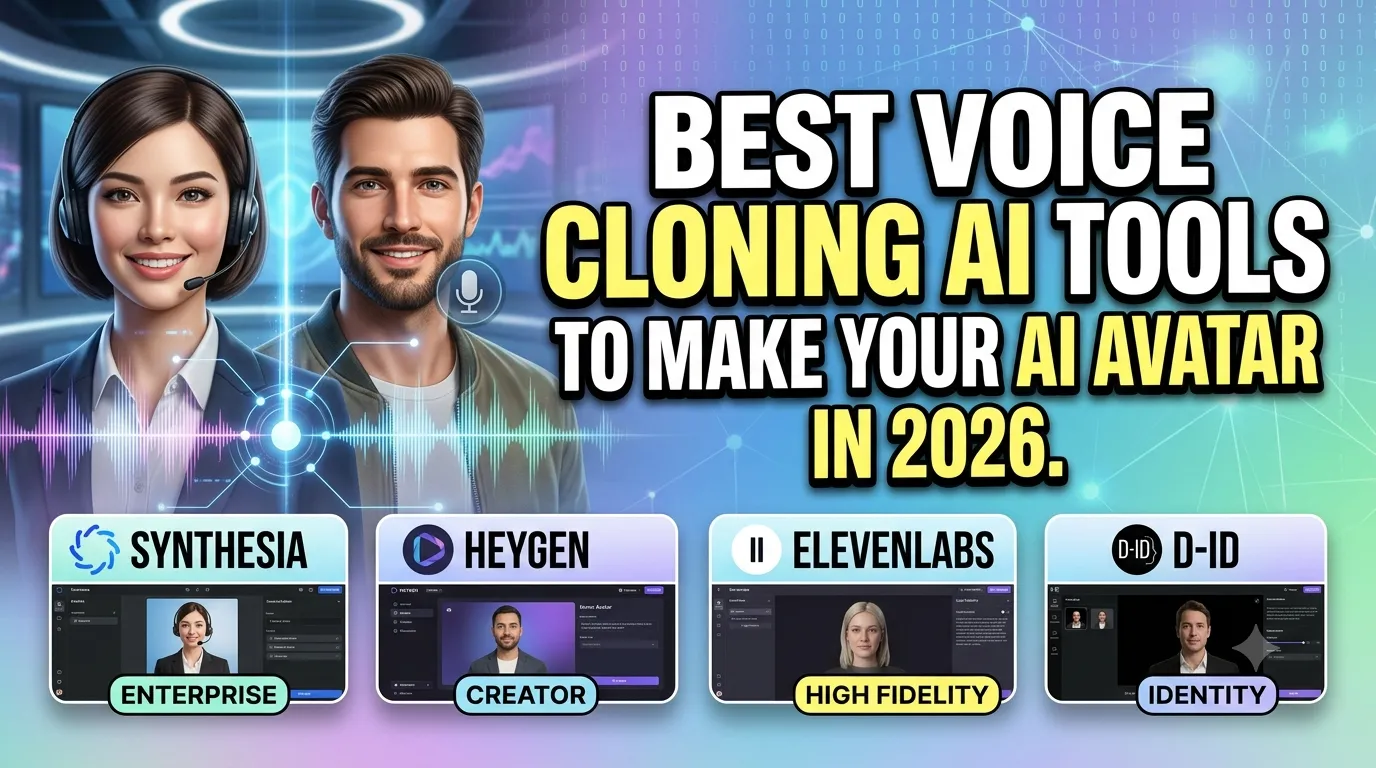
In this guide, I'll show you the best voice cloning AI tools to make your AI avatar. Whether you're a digital marketing professional, a content creator, or a student taking a digital marketing course, these tools will help you create realistic AI voices that sound just like you.
Let's dive in.
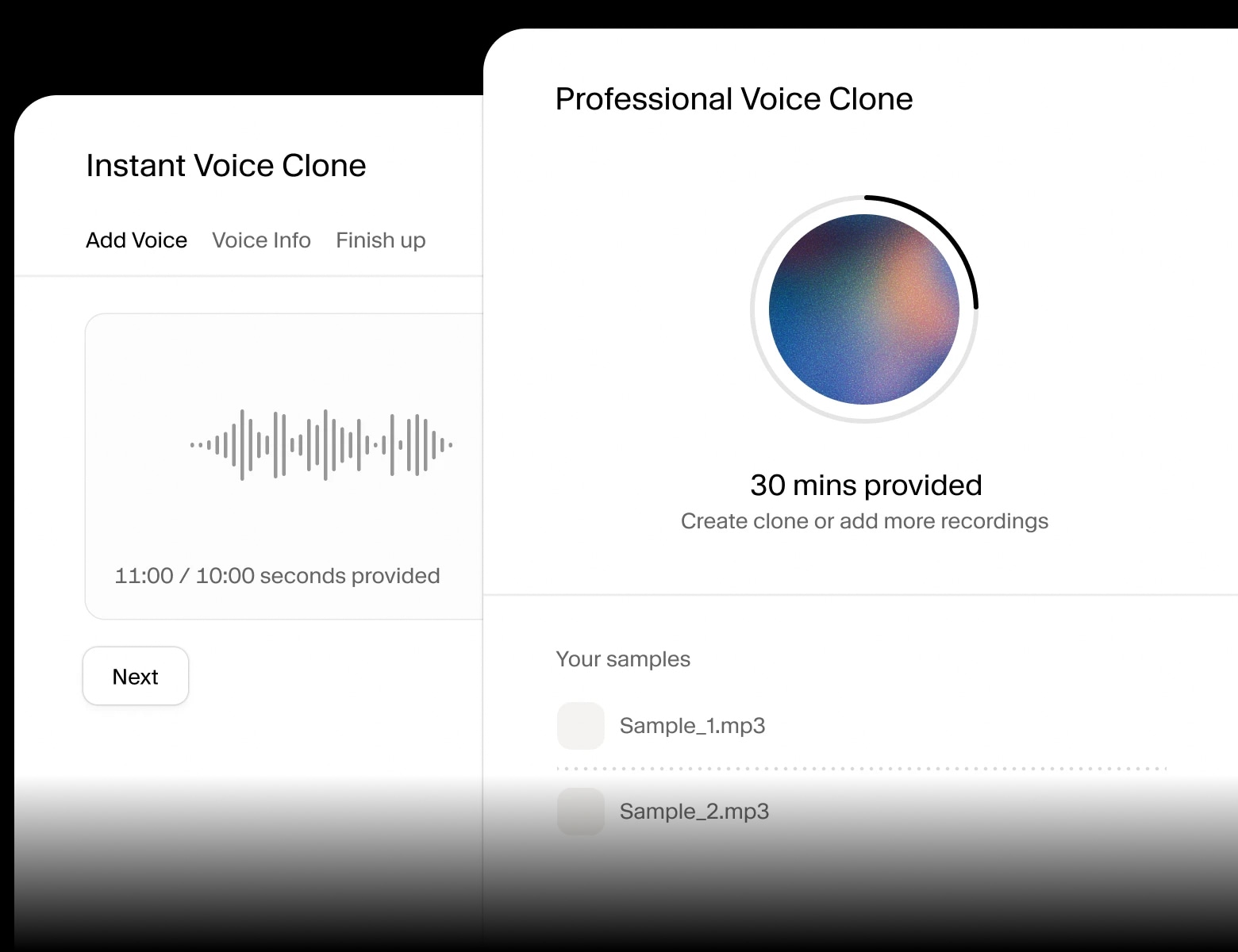
1. Why Voice Cloning Matters in 2026
Voice cloning is no longer a novelty—it's a practical tool for businesses and creators. Here's why it matters.
1.1 Scale Your Content Creation
Imagine being able to create hundreds of videos, podcasts, and voiceovers without recording a single word. Voice cloning lets you scale your content production while maintaining a consistent brand voice.
1.2 Build Your AI Avatar
Your AI avatar combines your cloned voice with a digital representation of yourself. This lets you be "present" in multiple places at once—speaking at events, creating content, and engaging with your audience—all without being physically there.
1.3 Save Time and Money
Recording and editing voiceovers is time-consuming and expensive. Voice cloning reduces recording time to minutes and eliminates the need for studio sessions. This is a game-changer for creating content at scale.
1.4 Consistent Brand Voice
Your brand voice is essential for building trust and recognition. Voice cloning ensures that every piece of content sounds like you, even when you're not the one recording.
2. The Best Voice Cloning Tools for AI Avatars
2.1 ElevenLabs – The Industry Leader
What it does: ElevenLabs is widely considered the best voice cloning tool available. It creates incredibly realistic, natural-sounding voices with emotional range and nuance.
Key features:
- Professional Voice Cloning with just a few minutes of audio
- Emotional range and expressive speech
- Multilingual support (29+ languages)
- Voice design and customization
- Real-time speech synthesis
- API access for integration
Free tier: Yes (limited)
Best for: Professional content creators, businesses, and anyone who needs the highest quality voice cloning.
Pro tip: Use a high-quality recording (clean audio, no background noise) for the best cloning results. ElevenLabs produces some of the most natural voices available, with excellent emotional expressiveness and nuance.
2.2 Minimax – The Realistic Alternative
What it does: Minimax is a powerful voice cloning tool known for its natural-sounding voices and emotional depth. It's an excellent alternative to ElevenLabs with a strong free tier.
Key features:
- High-quality voice cloning
- Emotional and expressive speech
- Multiple language support
- User-friendly interface
- Generous free credits
Free tier: Yes (generous)
Best for: Content creators, marketers, and businesses looking for a powerful alternative with strong free credits.
Pro tip: Minimax is an excellent choice if you need high-quality voices for multiple projects without spending much on premium plans. The free credits are a great starting point.

2.3 Qwen – The All-in-One AI Powerhouse
What it does: Qwen, Alibaba's multimodal AI, offers voice cloning as part of its comprehensive suite. It's a versatile tool for text, image, video, and audio generation—all in one platform.
Key features:
- Multimodal capabilities
- Voice cloning and text-to-speech
- Image and video generation
- Multiple language support
- Completely free with no known limits
Free tier: Completely free (no known limits)
Best for: Budget-conscious creators who want an all-in-one AI platform, unlimited experimentation, and high-volume content creation.
Pro tip: Use Qwen for high-volume projects where you need many voiceovers without worrying about costs. Its integration with other AI capabilities makes it a complete content creation suite.
2.4 Murf AI – Best for Professional Voiceovers
What it does: Murf AI specializes in creating professional voiceovers with a wide range of voices and accents. It's an excellent choice for businesses and content creators who need high-quality voiceovers quickly.
Key features:
- 120+ voices across 20+ languages
- Voice cloning capability
- Voice customization and emphasis
- Integrated video editing
- Commercial license for business use
Free tier: Yes (limited)
Best for: Businesses, e-learning, and professional presentations that need high-quality voiceovers and commercial licensing.
Pro tip: Murf's voice customization options are excellent for fine-tuning the tone and emphasis of your cloned voice for specific projects.
2.5 Play.ht – Best for Podcasters and Content Creators
What it does: Play.ht is a powerful text-to-speech and voice cloning tool designed for podcasters, YouTubers, and content creators. It offers realistic voices and podcast-ready audio.
Key features:
- Voice cloning
- High-quality text-to-speech
- Podcast and video integration
- Voice customization
- Multilingual support
- Commercial license
Free tier: Yes (limited)
Best for: Podcasters, YouTubers, and content creators who need high-quality voices for their productions.
Pro tip: Play.ht's integration with video and podcast platforms makes it a convenient choice for creators who need to produce content quickly.
2.6 Clipchamp – Best for Quick Video Voiceovers
What it does: Microsoft's Clipchamp is a free video editor with built-in text-to-speech and voice cloning capabilities. It's perfect for quick, one-off voiceovers.
Key features:
- Built into video editor
- Text-to-speech voices
- Voice cloning (limited)
- Free and easy to use
- No watermark
Free tier: Completely free (no watermark)
Best for: Quick projects, beginners, and anyone who needs a simple, free tool for video voiceovers.
Pro tip: Clipchamp is excellent for creating quick voiceovers for social media videos, presentations, and short projects where you need a simple solution.
3. Comparison Table: Best Voice Cloning Tools
| Tool | Quality | Free Tier | Best For |
|---|---|---|---|
| ElevenLabs | ⭐⭐⭐⭐⭐ | Limited | Professional use, highest quality |
| Minimax | ⭐⭐⭐⭐⭐ | Generous | Realistic voices, strong free tier |
| Qwen | ⭐⭐⭐⭐ | Unlimited free | All-in-one, budget-friendly |
| Murf AI | ⭐⭐⭐⭐⭐ | Limited | Professional voiceovers, commercial use |
| Play.ht | ⭐⭐⭐⭐ | Limited | Podcasts and content creation |
| Clipchamp | ⭐⭐⭐ | Unlimited free | Quick video voiceovers |
4. How to Create Your AI Avatar with Voice Cloning
Here's a step-by-step guide to creating your AI avatar with voice cloning.
Step 1: Record Your Voice Sample
Record 5-10 minutes of clean audio. Speak naturally, avoid background noise, and use a good microphone. The better your sample, the better your cloned voice will be.
Step 2: Choose Your Voice Cloning Tool
Select one of the tools from this guide. For beginners, start with Minimax or Qwen. For the highest quality, use ElevenLabs.
Step 3: Clone Your Voice
Upload your audio sample and follow the tool's process. Most tools generate your cloned voice in minutes.
Step 4: Create Your AI Avatar
Pair your cloned voice with a digital avatar (you can use tools like HeyGen or Synthesia for the visual avatar). Combine them to create a complete AI avatar that looks and sounds like you.
Step 5: Start Creating Content
Use your AI avatar to create videos, voiceovers, and content. You can scale your content production while maintaining your unique brand voice.
5. Real-World Example: The AI Avatar Transformation
Here's how a digital marketing professional used voice cloning to scale their content:
- Challenge: They needed to create daily video content but had limited time to record.
- Solution: They cloned their voice using ElevenLabs and paired it with an AI avatar.
- Result: They now produce 10x more video content in half the time, maintaining their authentic voice and brand identity.
6. Conclusion: Your AI Avatar Awaits
Voice cloning is transforming how we create content. With tools like ElevenLabs, Minimax, and Qwen, you can clone your voice and build an AI avatar that scales your presence. You can create more content, reach more people, and build your brand—all without spending hours recording.
But here's the good news: You can start today. Choose one tool, record your voice sample, and clone your voice. The process is fast, accessible, and affordable.
The choice is yours. Keep spending hours recording, or start using voice cloning to build your AI avatar.
Join the best Digital Marketing Course to master AI-powered content creation and digital marketing in 2026.
Frequently Asked Questions (5 Unique FAQs)
❓ 1. Is voice cloning legal to use for commercial purposes?
Yes, provided you have the rights to the voice you're cloning. Most tools allow commercial use of cloned voices as long as you own the rights to the source material. Always check the terms of service for the tool you're using.
❓ 2. How much audio do I need to clone my voice?
Most tools require 5-10 minutes of clean audio. Some tools can clone with as little as 1-2 minutes, but more audio generally produces better results.
❓ 3. Can I clone voices in different languages?
Yes, most tools support multiple languages. You can often clone voices and then use them to speak in different languages, making your AI avatar multilingual.
❓ 4. Does cloned voice sound exactly like me?
With high-quality tools like ElevenLabs and Minimax, cloned voices are extremely realistic. However, subtle differences may exist. The quality improves with better source audio and more advanced tools.
❓ 5. Can I use a cloned voice for my AI avatar on social media?
Yes. Many content creators use cloned voices for their AI avatars on platforms like YouTube, TikTok, and Instagram. It's an excellent way to scale content without losing your authentic voice.