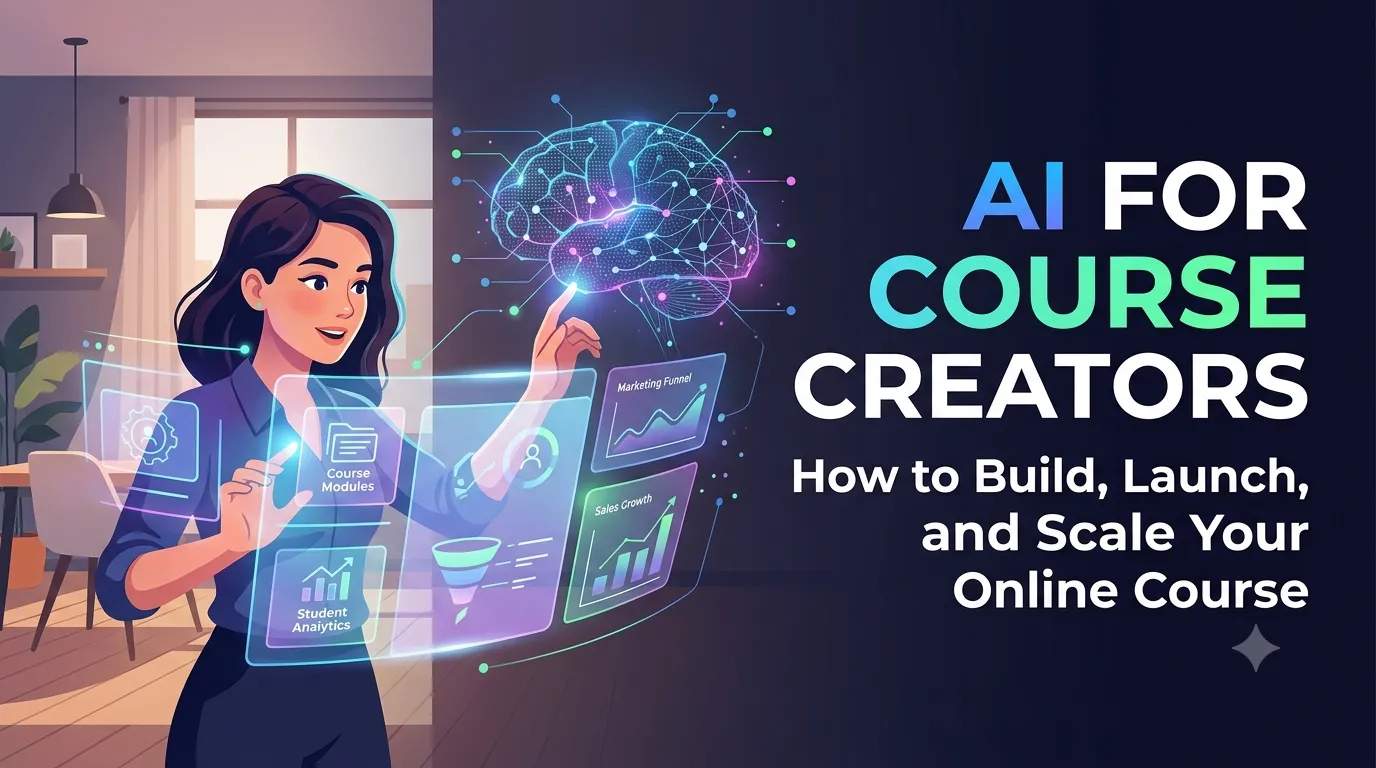
AI for Course Creators: How to Build, Launch, and Scale Your Online Course
Let me ask you something. Have you ever thought about creating an online course? You have expertise, knowledge, and experience. You know you could help people—and build a profitable business doing it. But you're not sure where to start.
If you're like most digital marketing professionals, business owners, and experts, the answer is: "Yes. I've thought about it, but it feels overwhelming." Creating an online course involves so many steps: planning, recording, editing, launching, marketing. It's a lot.
Here's the good news: AI can help you build, launch, and scale your online course faster than ever. In this guide, I'll show you how to use AI as a course creator to go from idea to income—without the overwhelm.
Whether you're a digital marketing professional, a coach, a consultant, or a student taking a digital marketing course, this is your blueprint for course creation success in 2026.
Let's dive in.
1. Why Online Courses Are a Powerful Business Model
Online courses are one of the best ways to monetize your expertise. Here's why.
1.1 Scalable Income
- Create once, sell forever
- No limit on the number of students
- Income isn't tied to hours worked
- You can scale without burning out
1.2 Build Authority
Teaching positions you as an expert. When you create a course, you're not just selling information—you're building authority. This opens doors to speaking, consulting, and other opportunities.
1.3 Help More People
A course allows you to help hundreds, thousands, or even millions of people. You can't scale one-on-one coaching indefinitely, but you can scale a course.
1.4 Generate Leads
Even if your course isn't your main offer, it can generate leads for your other services. Many businesses use courses as a front-end offer to attract clients.
2. The Course Creator's Challenges
Creating a course is rewarding, but it's not easy. Here are the biggest challenges.
2.1 Time-Consuming
- Planning the curriculum
- Recording and editing videos
- Creating supporting materials
- Building the course platform
- Writing sales copy and marketing materials
2.2 Overwhelming
- Too many steps and decisions
- Unclear where to start
- Fear of creating something that won't sell
2.3 Marketing Challenges
- Getting the word out
- Writing sales pages that convert
- Building an audience before launch
2.4 Scaling Issues
- Keeping content up-to-date
- Supporting students
- Creating new courses
3. How AI Transforms Course Creation
AI solves the biggest course creation challenges. Here's how.
3.1 Course Planning
AI helps you plan your curriculum. It structures your course, suggests modules, and creates learning outcomes.
AI Prompt: "Create a course outline for [topic]. Include modules, lessons, learning outcomes, and suggested activities."
3.2 Content Creation
AI drafts scripts, creates slide decks, and generates supporting materials. It saves hours of content creation time.
AI Prompt: "Write a video script for Lesson 1 of my course on [topic]. Include an introduction, key points, examples, and a summary."
3.3 Sales Copy
AI writes sales pages, email sequences, and ad copy. It helps you communicate the value of your course and convert more students.
AI Prompt: "Write a sales page for my course on [topic]. Include the problem, solution, benefits, testimonials, and a call to action."
3.4 Marketing Materials
AI creates social media posts, emails, and lead magnets. It helps you build an audience and launch successfully.
AI Prompt: "Create a 7-email launch sequence for my course. Include subject lines, body copy, and calls to action."
3.5 Student Support
AI-powered chatbots answer common student questions. They provide support 24/7 and free up your time.
4. The Best AI Tools for Course Creators
Here are the top AI tools for course creators.
- ChatGPT: Course planning, scriptwriting, and sales copy
- Descript: Video editing, transcription, and clip creation
- Canva AI: Slide decks, visuals, and course materials
- Teachable: Course platform with AI-powered features
- Kajabi: All-in-one course platform with AI
- Thinkific: Course creation and marketing platform
- Opus Clip: Creating short clips for course promotion
5. How to Use AI to Build Your Course
Here's a step-by-step process for using AI to create your online course.
Step 1: Validate Your Course Idea
- Research demand for your topic
- Identify your target audience and their pain points
- Analyze competitor courses
AI Prompt: "Analyze the demand for a course on [topic]. Identify the target audience, key pain points, and competing courses."
Step 2: Plan Your Curriculum
- Define learning outcomes
- Structure modules and lessons
- Create a course outline
AI Prompt: "Create a detailed course outline for [topic]. Include 5 modules, each with 3-5 lessons, learning outcomes, and suggested activities."
Step 3: Create Your Content
- Write video scripts with AI
- Create slide decks with Canva AI
- Record and edit videos with Descript
- Generate supporting materials
AI Prompt: "Write a script for Lesson 1 of my course on [topic]. Include an engaging hook, key teaching points, examples, and a summary."
Step 4: Build Your Course Platform
- Choose a platform (Teachable, Kajabi, Thinkific)
- Upload your content
- Set up your sales page
AI Prompt: "Write a sales page for my course. Include the headline, problem, solution, benefits, curriculum, testimonials, and call to action."
Step 5: Launch Your Course
- Create a launch plan
- Write email sequences with AI
- Create social media content
- Run ads (optional)
AI Prompt: "Create a 30-day launch plan for my course. Include emails, social media posts, and promotional content."
Step 6: Scale and Improve
- Collect student feedback
- Update content
- Add new modules
- Create additional courses
AI Prompt: "Suggest improvements for my course based on this student feedback. What content should I add or update?"
6. Real-World Example: The AI-Powered Course Launch
Here's how a digital marketing professional used AI to launch their course:
- Challenge: They wanted to create a course but didn't have time or technical skills.
- Solution: They used AI to plan the curriculum, write scripts, create slides, and launch the course.
- Result: They launched in 6 weeks (instead of 6 months) and generated $50,000 in revenue in the first 90 days.
7. Conclusion: Build, Launch, and Scale with AI
Creating an online course doesn't have to be overwhelming. With AI, you can plan your curriculum, create content, write sales copy, and launch your course faster than ever. You can build a profitable course business—without the stress.
But here's the good news: You can start today. Validate your idea. Plan your curriculum. Create one lesson. Use AI to make it easier. Small steps lead to big results.
The choice is yours. Keep dreaming about creating a course, or start using AI to make it happen.
Join the best Digital Marketing Course to master AI-powered course creation and digital marketing in 2026.
Frequently Asked Questions (5 Unique FAQs)
❓ 1. Can I create an online course without any technical skills?
Yes. Platforms like Teachable, Kajabi, and Thinkific make it easy to create and launch a course without coding. AI tools help with content creation, and these platforms handle the technical side.
❓ 2. How long does it take to create an online course with AI?
With AI, you can create a course in 4-8 weeks. Without AI, it often takes 3-6 months. AI accelerates planning, content creation, and marketing.
❓ 3. What's the best AI tool for course creators?
ChatGPT is the most versatile for planning, scripts, and copy. Descript is excellent for video editing. Canva AI is great for visuals. Use them together for the best results.
❓ 4. How do I market my online course?
Use AI to create a launch plan, email sequences, and social media content. Build an audience before launching. Use lead magnets to attract students. Consider running ads to scale.
❓ 5. Can AI help me update my course over time?
Yes. AI can suggest updates based on student feedback, industry changes, and new trends. It helps you keep your course current and valuable.