Let me ask you something. Have you ever wanted to start a podcast but stopped because it seemed too complicated? Or maybe you already have a podcast, but you're spending hours editing, writing show notes, and promoting episodes.
If you're like most podcasters, the answer is: "Yes. It's exhausting." Podcasting is one of the best ways to build authority, connect with your audience, and grow your brand. But the time and effort required can be overwhelming. Here's the good news: AI is transforming podcasting.
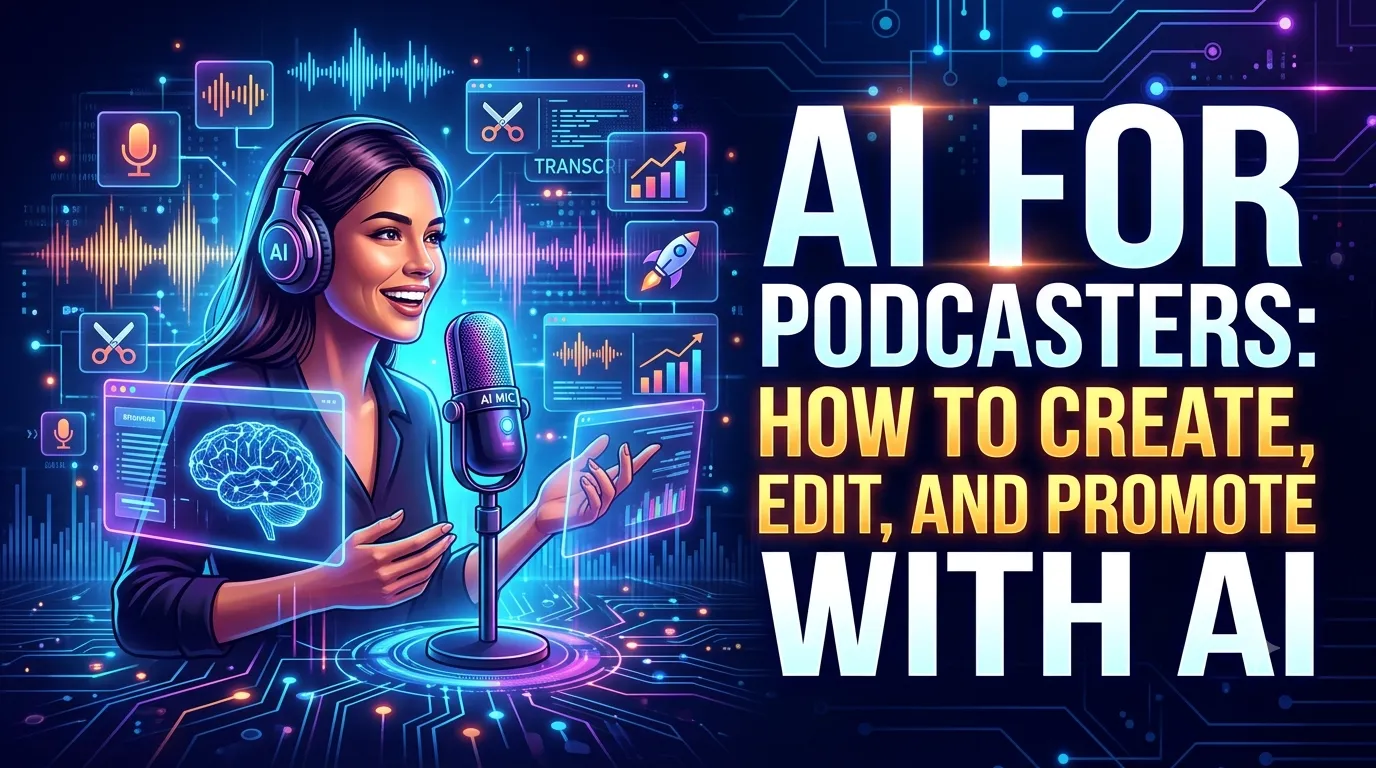
In this guide, I'll show you exactly how to use AI to create, edit, and promote your podcast in 2026. Whether you're a digital marketing professional, a business owner, or a student taking a digital marketing course, this is your blueprint for using AI tools to build a successful podcast.
Let's dive in.
1. Why Podcasting Matters in 2026
Podcasting is one of the most powerful digital marketing channels available. Here's why:
- Deep connection: Listeners feel like they know you. It builds trust and authority.
- Loyal audience: Podcast listeners are highly engaged and often more loyal than social media followers.
- Evergreen content: Episodes continue to be discovered and listened to for years.
- Multi-format content: One episode can become blog posts, social media clips, newsletters, and more.
But traditional podcasting is time-consuming. That's where AI comes in.

2. AI for Podcast Creation
AI can help you create better episodes faster, from planning to recording.
2.1 AI for Topic Ideation
Struggling to come up with episode ideas? AI can help. Use ChatGPT or Claude to brainstorm topics based on your audience's interests, questions, and pain points.
Prompt: "Generate 20 podcast episode topics for [your niche] targeting [your audience]. Include attention-grabbing episode titles and brief descriptions."
2.2 AI for Scriptwriting and Outlines
Once you have a topic, AI can help you structure your episode. Use AI to create detailed outlines, interview questions, or even full scripts.
Prompt: "Create a detailed outline for a 30-minute podcast episode on [topic]. Include intro, key segments, talking points, and a strong conclusion."
2.3 AI for Interview Questions
If you're interviewing guests, AI can generate thoughtful, engaging questions.
Prompt: "Generate 15 insightful interview questions for a guest who is an expert in [field]. Focus on questions that reveal unique insights and stories."
2.4 AI for Episode Titles and Descriptions
A compelling title and description can dramatically improve your podcast's discoverability. AI can generate multiple options.
Prompt: "Generate 10 compelling, SEO-friendly titles and descriptions for a podcast episode about [topic]."
3. AI for Podcast Editing
Editing is one of the most time-consuming parts of podcasting. AI tools can save you hours per episode.
3.1 AI-Powered Audio Editing
Tools like Descript allow you to edit audio like a text document. Remove filler words, silence, and mistakes by simply deleting the text. AI handles the rest.
Why it matters: What used to take hours of audio editing can now be done in minutes.
3.2 AI for Audio Cleanup
AI tools can remove background noise, normalize volume, and improve audio quality. Tools like Adobe Podcast AI and Auphonic are excellent for this.
3.3 AI for Transcription
AI transcription tools automatically generate accurate transcripts of your episodes. Descript, Otter.ai, and Rev are all excellent options.
3.4 AI for Show Notes and Timestamps
AI can generate detailed show notes, timestamps, and summaries from your transcript. This saves hours of manual note-taking.
4. AI for Podcast Promotion
Creating the episode is only half the work. AI can help you promote your podcast more effectively.
4.1 AI for Social Media Content
AI can turn your podcast episode into multiple social media posts. Use ChatGPT to create captions, quotes, and hooks.
Prompt: "Create 10 social media posts for Instagram, LinkedIn, and Twitter based on this podcast episode about [topic]. Include attention-grabbing quotes, questions, and calls to action."
4.2 AI for Video Clips
AI video tools can automatically create short clips from your podcast for Instagram Reels, YouTube Shorts, and TikTok. Platforms like Opus Clip analyze your episode and find the most engaging moments.
4.3 AI for Email Marketing
AI can draft email newsletters promoting your latest episode. Include key takeaways, quotes, and a link to listen.
Prompt: "Write a compelling email newsletter announcing my latest podcast episode on [topic]. Include a brief summary, key takeaways, and a call to action to listen."
4.4 AI for Blog Posts
AI can turn your podcast transcript into a comprehensive blog post. This improves SEO and gives your audience a written version of the content.
5. The Best AI Tools for Podcasters
Here are the essential AI tools every podcaster should know about.
5.1 Descript – All-in-One AI Editing
What it does: Audio and video editing, transcription, AI voice cloning, screen recording, and more.
Best for: Complete podcast production workflow.
Free tier: Yes (limited).
5.2 Opus Clip – AI Video Clips from Podcasts
What it does: Automatically extracts viral clips from long-form content.
Best for: Social media promotion.
Free tier: Yes (limited).
5.3 Adobe Podcast AI – Audio Cleanup
What it does: Removes background noise, enhances voice quality, and improves audio.
Best for: Professional-quality audio without expensive equipment.
Free tier: Yes.
5.4 ChatGPT/Claude – Content Creation
What it does: Ideation, scripting, show notes, social media content, email marketing, and more.
Best for: The entire content creation workflow.
Free tier: Yes.
5.5 Auphonic – AI Audio Processing
What it does: Automatic audio leveling, noise reduction, and mastering.
Best for: Polished, professional audio quality.
Free tier: Limited free hours per month.
6. The AI-Powered Podcast Workflow
Here's how to integrate AI into every stage of your podcast production.
Before Recording
- Ideation: Use ChatGPT for topic ideas
- Outlining: Use ChatGPT for episode structure
- Interview Prep: Use ChatGPT for questions
Recording and Editing
- Recording: Use Descript for audio and video
- Editing: Use Descript for text-based editing
- Audio Cleanup: Use Adobe Podcast AI or Auphonic
- Transcription: Use Descript or Otter.ai
After Recording
- Show Notes: Use ChatGPT from transcript
- Social Media: Use Opus Clip for video clips, ChatGPT for captions
- Email: Use ChatGPT for newsletters
- Blog Posts: Use ChatGPT to repurpose transcript
7. Real-World Example: The AI-Powered Podcast
Here's how a digital marketing course provider uses AI for their podcast:
- Ideation: ChatGPT generates 10 episode ideas based on student questions
- Outlining: ChatGPT creates detailed episode outlines
- Recording: Descript records audio and video
- Editing: Descript edits filler words and mistakes in minutes
- Transcription: Descript generates accurate transcripts
- Clips: Opus Clip extracts viral moments for social media
- Promotion: ChatGPT drafts social posts, email newsletters, and blog posts
Result: They publish episodes in half the time, reach a wider audience, and have grown their podcast audience by 300%.
8. Conclusion: Start Podcasting with AI Today
AI has made podcasting more accessible than ever. From creation to editing to promotion, AI tools save you time, improve quality, and help you grow your audience. You don't need to be a tech expert—you just need the right tools and a willingness to start.
But here's the good news: You can start today. Pick one AI tool and try it. Start small. Experiment. Learn. The more you use these tools, the more effective you'll become.
The choice is yours. Keep struggling with traditional podcast production, or start using AI to build a successful podcast.
Join the best Digital Marketing Course to master AI-powered content creation and digital marketing in 2026.
Frequently Asked Questions (5 Unique FAQs)
❓ 1. Do I need expensive equipment to start a podcast with AI?
No. A decent USB microphone and AI audio cleanup tools are enough to produce professional-quality audio. AI removes background noise and enhances voice quality.
❓ 2. Can AI replace human podcast editing?
AI can handle 80-90% of editing tasks—removing filler words, silencing pauses, and improving audio quality. But human oversight is still valuable for creative decisions and nuanced edits.
❓ 3. Which AI tool is best for podcast promotion?
Opus Clip is excellent for creating video clips. ChatGPT is versatile for writing social posts, emails, and show notes. Use both for a complete promotion strategy.
❓ 4. Can AI write my podcast script?
AI can generate outlines, talking points, and even full scripts. But your personal voice, stories, and insights are what make a podcast unique. Use AI as a starting point, then add your personality.
❓ 5. How much time does AI save in podcast production?
Most podcasters report saving 5-10 hours per episode using AI tools. Editing time drops from hours to minutes. Promotion and repurposing become automated.