Let me ask you something. As a web developer, have you noticed that clients are asking for more than just a "nice-looking website"? They want experiences. Interactive sites. Scroll-driven videos. 3D menus. Before-and-after effects. AI chatbots.
If you're like most web developers in 2026, the answer is: "Yes. The bar has been raised." Static websites are no longer enough. Clients want immersive, interactive experiences that stand out. And here's the good news: AI can help you build them faster and better than ever.
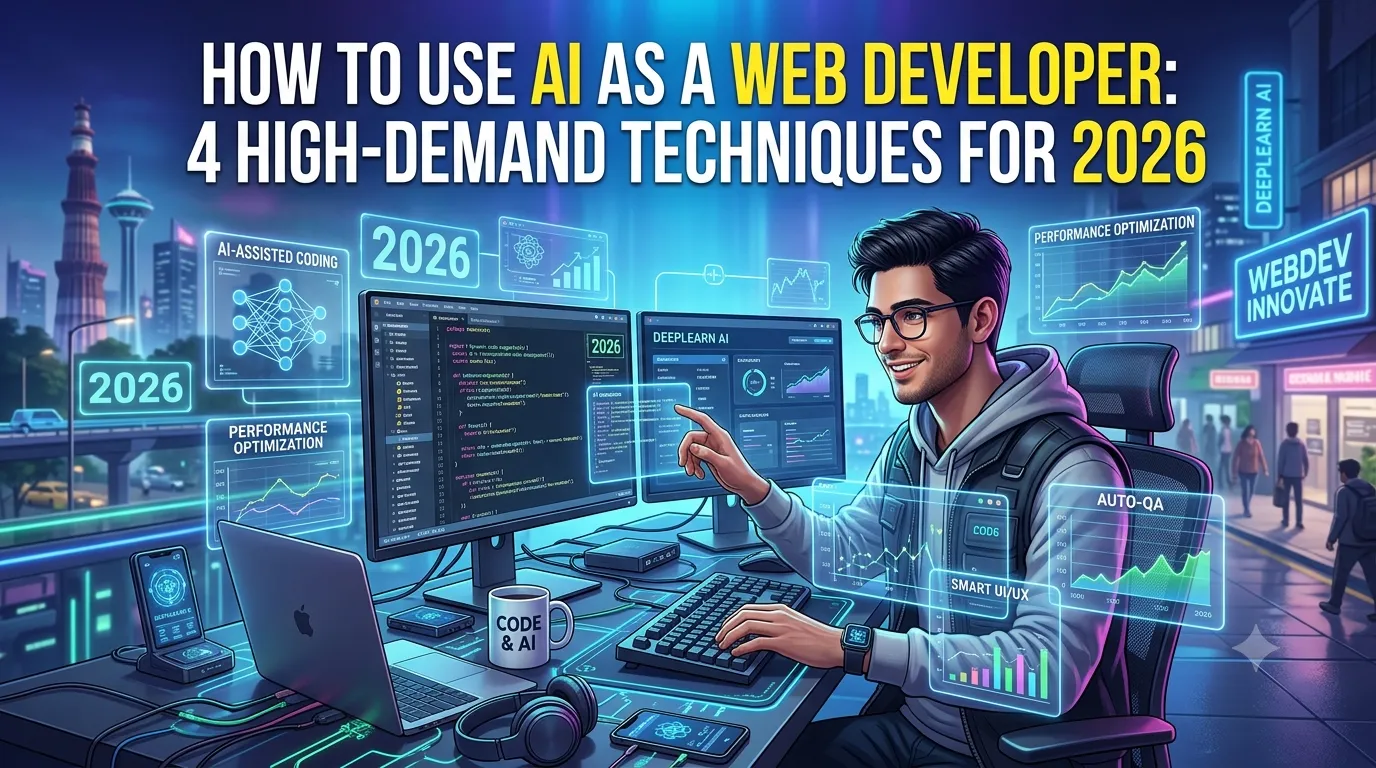
In this guide, I'll show you how to use AI as a web developer to meet the growing demand for interactive websites. We'll cover four high-demand techniques: scroll-driven video sites, 3D AR menus for restaurants, before-and-after effects, and AI chatbots.
Whether you're a freelance web developer, an agency owner, or a student taking a digital marketing course, these techniques will help you stand out and charge more.
Let's dive in.
1. Why Interactive Websites Are in High Demand
The web is evolving. Static websites are becoming obsolete. Here's why interactive experiences are the new standard.
1.1 User Expectations Have Changed
- Users expect immersive, engaging experiences
- They compare websites to apps—not brochures
- They want to interact, not just read
- They want to feel something when they visit a site
1.2 Business Benefits
- Interactive sites have higher engagement rates
- They convert better than static sites
- They build stronger brand impressions
- They differentiate businesses from competitors
1.3 The AI Advantage
- AI helps you build interactive sites faster
- AI generates code, designs, and content
- AI handles complex interactions
- AI lets you deliver premium experiences without a large team
2. Technique #1: Scroll-Driven Video Websites
Scroll-driven video websites are one of the most in-demand techniques in 2026. The user scrolls, and the video plays, creating an immersive, cinematic experience.
2.1 What It Is
A scroll-driven video website ties video playback to the user's scroll position. As they scroll down, the video advances. As they scroll up, the video rewinds. It creates a feeling of control and immersion.
2.2 Why Clients Want It
- It's cinematic and immersive
- It tells a story as the user scrolls
- It creates a premium, high-end feel
- It keeps users on the page longer
2.3 How AI Helps
- AI generates video concepts and scripts
- AI creates video content from text prompts
- AI generates the code for scroll interactions
- AI optimizes video for performance and load time
2.4 Tools and Technologies
- GSAP ScrollTrigger: For scroll-based animations
- Lottie: For lightweight animations
- AI video tools (Kling, Runway): For generating video content
- ChatGPT: For generating code and scripts
2.5 AI Prompt Example
AI Prompt: "Generate the HTML, CSS, and JavaScript code for a scroll-driven video website. As the user scrolls, the video should play forward. As they scroll up, it should rewind. Include a scroll progress indicator."
3. Technique #2: 3D AR Menus for Restaurants
3D AR menus are becoming a must-have for restaurants and cafes. Customers point their phone at a menu item, and a 3D model appears, showing them exactly what they'll get.
3.1 What It Is
A 3D AR menu allows customers to view dishes in augmented reality. They can see the dish from every angle, understand portion sizes, and make more informed choices.
3.2 Why Clients Want It
- It's innovative and memorable
- It helps customers make better choices
- It reduces ordering mistakes and returns
- It differentiates the restaurant from competitors
- It's Instagram-worthy and shareable
3.3 How AI Helps
- AI generates 3D models of dishes
- AI creates AR experiences without complex coding
- AI generates menu descriptions and content
- AI optimizes 3D models for mobile performance
3.4 Tools and Technologies
- AR.js: For web-based AR experiences
- Three.js: For 3D rendering
- Model Viewer: For displaying 3D models on the web
- AI 3D generation tools (Luma AI, Meshy): For creating 3D models
3.5 AI Prompt Example
AI Prompt: "Generate the code for a web-based AR menu. Users should be able to scan a QR code and view 3D models of dishes on their table using their phone camera. Use AR.js and Three.js."
4. Technique #3: Before-and-After Effects
Before-and-after effects are powerful for service businesses. They visually demonstrate transformation—whether it's a home renovation, a fitness journey, or a beauty treatment.
4.1 What It Is
A before-and-after effect lets users drag a slider to reveal the "after" image over the "before" image. It's simple, intuitive, and highly engaging.
4.2 Why Clients Want It
- It visually demonstrates results
- It builds trust with potential customers
- It's interactive and engaging
- It's perfect for service businesses (renovation, beauty, fitness)
4.3 How AI Helps
- AI generates the code for the slider
- AI creates "after" images from "before" images
- AI optimizes images for performance
- AI generates content and copy for the page
4.4 Tools and Technologies
- HTML, CSS, and JavaScript: For the slider effect
- AI image editing (Photoroom, Canva AI): For creating after images
- ChatGPT: For generating code
4.5 AI Prompt Example
AI Prompt: "Generate the HTML, CSS, and JavaScript code for a before-and-after image slider. Users should be able to drag a slider to reveal the after image over the before image."
5. Technique #4: AI Chatbots
AI chatbots are becoming essential for websites. They provide instant customer support, answer questions, and guide visitors—24/7.
5.1 What It Is
An AI chatbot is a conversational interface that answers questions and helps users navigate your site. It can handle FAQs, schedule appointments, and even process orders.
5.2 Why Clients Want It
- It provides 24/7 customer support
- It reduces the workload on human support teams
- It captures leads and qualifies prospects
- It improves the user experience
5.3 How AI Helps
- AI builds the chatbot logic and conversation flow
- AI generates responses and content
- AI trains the chatbot on your data
- AI continuously improves the chatbot based on interactions
5.4 Tools and Technologies
- Voiceflow: For building AI chatbots
- ManyChat: For social media chatbots
- ChatGPT API: For AI-powered responses
- Intercom: For AI-powered customer support
5.5 AI Prompt Example
AI Prompt: "Design a chatbot conversation flow for [business type]. Include welcome message, FAQs, lead capture, and escalation to a human agent."
6. How to Start Using AI in Your Web Development
Here's a step-by-step process for integrating AI into your web development workflow.
Step 1: Identify High-Demand Techniques
- What are clients asking for?
- What's trending in your niche?
- What can you build that others can't?
Step 2: Learn the Core Technologies
- Learn scroll animations (GSAP, Lottie)
- Learn 3D rendering (Three.js)
- Learn AR (AR.js)
- Learn chatbot building (Voiceflow)
Step 3: Use AI to Generate Code
Use AI to generate code snippets, entire components, or even full pages. Review and refine the output.
Step 4: Test and Optimize
- Test on different devices and browsers
- Optimize for performance
- Gather user feedback and iterate
Step 5: Market Your New Skills
- Add these techniques to your portfolio
- Create case studies and demos
- Promote your services on social media and LinkedIn
7. Conclusion: Build Interactive Websites with AI
The demand for interactive websites is growing. Clients want scroll-driven videos, 3D AR menus, before-and-after effects, and AI chatbots. AI makes it possible for web developers to build these experiences faster and better than ever. You can meet the demand—without a large team or budget.
But here's the good news: You can start today. Pick one technique. Learn the tools. Use AI to generate code and content. Build a demo. Add it to your portfolio. Small steps lead to big results.
The choice is yours. Keep building static websites, or start building interactive experiences with AI.
Join the best Digital Marketing Course to master AI-powered web development and digital marketing in 2026.
Frequently Asked Questions (5 Unique FAQs)
❓ 1. Do I need coding skills to build these interactive websites?
Some coding helps—especially HTML, CSS, and JavaScript. But AI can generate much of the code for you. With AI, you can build these experiences even if you're not an expert developer.
❓ 2. How much do clients pay for interactive websites?
Interactive websites command premium prices. Scroll-driven video sites, 3D AR menus, and AI chatbots can increase project value by 50-200%. It depends on the complexity and client budget.
❓ 3. What's the best AI tool for web developers?
ChatGPT is the most versatile. Use it for code generation, content, and problem-solving. Add GSAP for animations, Three.js for 3D, and Voiceflow for chatbots.
❓ 4. Can AI generate the entire code for these techniques?
AI can generate a lot of the code, but you'll still need to review, refine, and integrate it. Think of AI as a coding assistant—it speeds things up but doesn't replace your expertise.
❓ 5. What's the most in-demand technique for 2026?
Scroll-driven video websites are currently the most in-demand. They create a premium, cinematic experience that clients love. AI chatbots are also in high demand for customer service and lead generation.