Let's be real for a moment. You've seen those product videos on Instagram and TikTok that look like they cost $10,000 to produce. Smooth animations, cinematic transitions, products that seem to come alive. And you're thinking: "I could never make something like that."
Here's the secret the big brands don't want you to know: You can create viral-quality product reels with AI in minutes. And no, you don't need a film crew, expensive software, or years of editing experience.
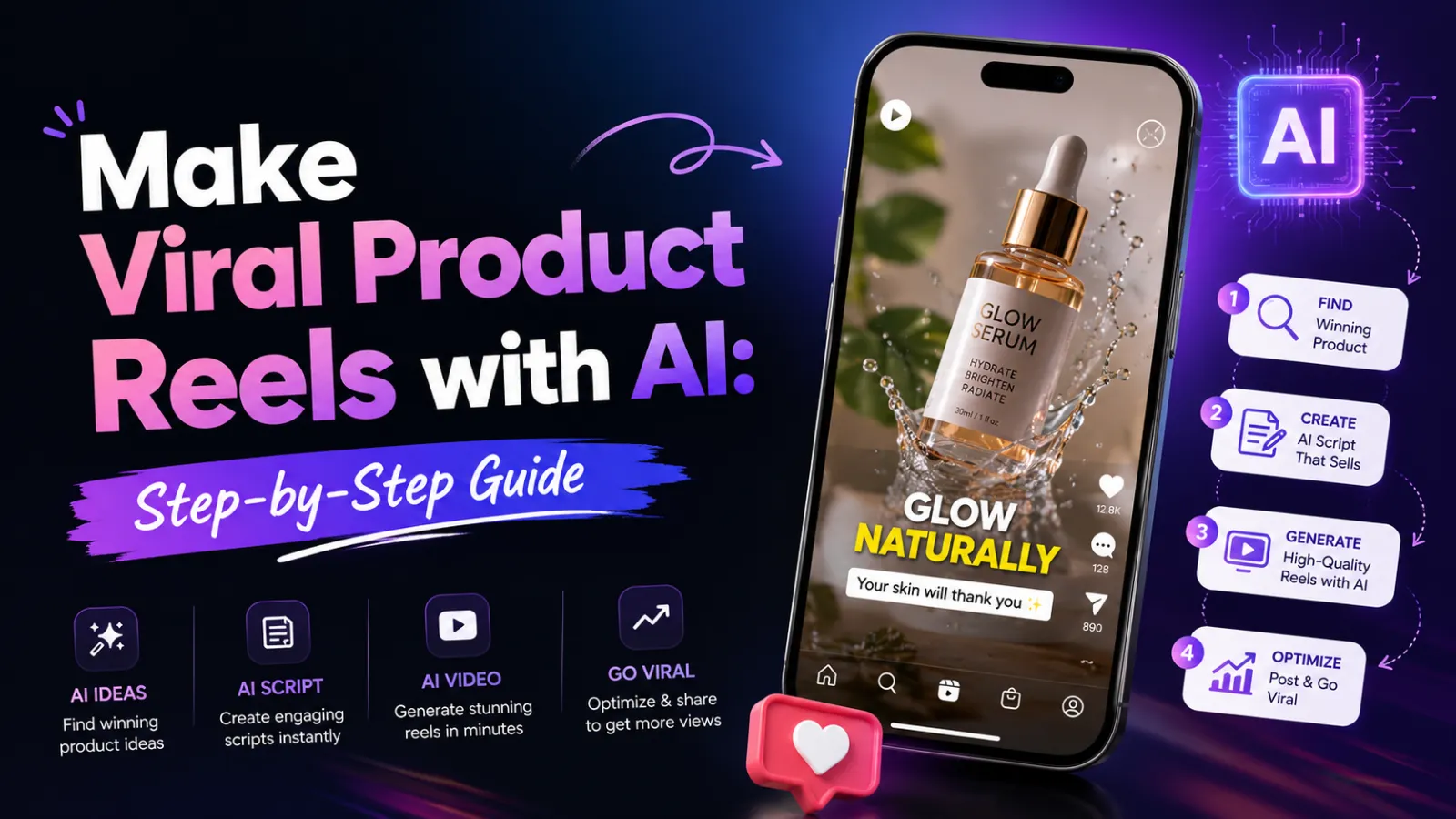
In this guide, I'll show you exactly how to use AI tools like Higgsfield, Kling, and Claude to create stunning product reels that grab attention, drive engagement, and convert viewers into customers. Whether you're a digital marketing professional, a business owner, or a student taking a digital marketing course, this step-by-step guide will have you creating viral videos in no time.
1. Why AI Video Tools Are a Game-Changer for Social Media
Video content dominates social media marketing. Reels, Shorts, and TikToks get the highest engagement rates, the most reach, and the best conversion rates. But producing high-quality videos has traditionally been expensive and time-consuming.
AI changes everything. With AI tools like Higgsfield, Kling, Runway, and Pika, you can:
- Turn a single product image into a cinematic animation
- Generate smooth, professional-quality motion
- Create multiple variations in minutes
- Produce viral-worthy content with zero video editing skills
This isn't the future. This is happening right now. And the brands that adopt these tools early are leaving their competitors in the dust.
1.1 What Makes a Product Reel "Viral"?
Before we dive into the technical steps, let's understand what actually makes a product reel go viral:
- Hook in the first 2 seconds: Grab attention immediately
- Clear product focus: The product is the star
- Smooth motion: Professional-looking animation builds trust
- Emotional connection: Make viewers feel something
- Clear call to action: Tell people what to do next
AI tools handle the technical execution. You bring the strategic thinking.
2. The Tools You'll Need
For this guide, we're using a combination of tools that work together seamlessly. Here's what you'll need and why each one matters.
2.1 Higgsfield – The Main Video Generator
What it does: Higgsfield is an AI video generation platform that creates stunning product animations from images and text prompts. It uses advanced AI models like Kling 3 to produce cinematic-quality motion.
Why it's great: It's user-friendly, produces high-quality results, and offers features like Multishot that create seamless animations.
2.2 Claude AI – Your Creative Partner
What it does: Claude is an AI assistant that helps you describe your desired animation in detail. It transforms your rough ideas into precise, technical prompts that video generators understand.
Why it's great: You don't need to know technical animation terms. Just describe what you want in plain English, and Claude turns it into a perfect prompt.
2.3 Alternative Tools (Optional)
If you want to experiment with other platforms, here are alternatives:
- Kling (Kuaishou): Excellent for hyper-realistic animations
- Runway Gen-3: Great for creative control and motion brush
- Pika: Fast, simple, and great for quick experiments
- Sora (OpenAI): The gold standard when it becomes widely available
For this guide, we'll focus on the Higgsfield + Claude combination, which is accessible and delivers amazing results.
3. Step-by-Step: Create Your Viral Product Reel
Let's get to the actual process. Follow these steps carefully, and you'll have a professional product reel in under 15 minutes.
Step 1: Prepare Your Product Image
What to do: Choose a high-quality image of your product. This will be the first frame of your animation.
Best practices:
- Use a clean, well-lit product photo (white background works best)
- Ensure the product is clearly visible and centered
- High resolution (minimum 1080x1080 pixels for social media)
- Remove any distracting elements or watermarks
Step 2: Open Higgsfield and Select Kling 3
What to do: Open Higgsfield's video generation tool. Look for the model selection option and choose Kling 3.
Why Kling 3? It's currently one of the best models for realistic motion, smooth transitions, and overall quality. It handles product animations particularly well.
Step 3: Turn on Multishot
What to do: In Higgsfield, find the Multishot feature and turn it on.
What is Multishot? It allows you to upload multiple images as frames, creating a seamless animation sequence. For product reels, you can use a single image as the first frame and let AI generate the rest.
Action: Upload your product image as the first frame. The AI will use this as the starting point for the animation.
Step 4: Go to Claude AI and Describe Your Animation
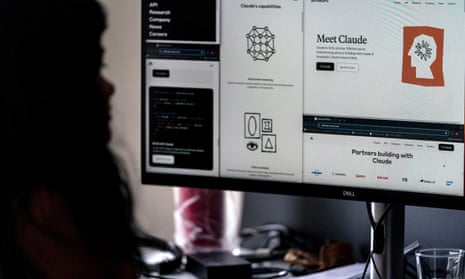
What to do: Open Claude AI (or ChatGPT) and describe your desired animation in simple, plain English. Don't worry about technical terms — just describe what you want to see.
Example description:
"I have a product image of a luxury watch on a white background. I want the watch to rotate slowly 360 degrees, with light reflecting off the metal surface. The background should transition from white to a subtle dark gradient. The animation should be smooth and cinematic, about 5 seconds long."
Be specific about:
- What the product is and how it should move
- Lighting and background changes
- Speed and style of the animation
- Any special effects (sparkles, reflections, zoom, etc.)
Step 5: Copy Claude's Generated Prompt
What to do: Claude will turn your description into a detailed technical prompt optimized for video generation.
Example output from Claude:
"Cinematic 5-second product animation. A luxury wristwatch rotates smoothly 360 degrees at a slow, elegant pace. Metallic surfaces catch and reflect soft, warm light, creating subtle highlights and depth. Background transitions from pure white to a rich dark charcoal gradient with a soft vignette effect. Motion is fluid and professional with no jarring movements. 4K quality, 60fps, photorealistic rendering."
Copy this prompt exactly. It's now ready to be pasted into Higgsfield.
Step 6: Paste the Prompt into Higgsfield Custom Mode
What to do: In Higgsfield, switch to Custom Mode. Find the prompt field and paste Claude's generated prompt.
Settings to check:
- Duration: 3-5 seconds (ideal for social media reels)
- Quality: Choose the highest available
- Aspect ratio: 9:16 for vertical reels (Instagram, TikTok)
Step 7: Click Generate
What to do: Hit the Generate button and wait for magic to happen. Depending on the tool and settings, this usually takes 30 seconds to 2 minutes.
Pro Tip: If you don't love the first result, generate 2-3 variations with slightly different prompts. Sometimes the AI surprises you with something even better than what you imagined.
Step 8: Review and Refine
What to do: Watch your generated video. Is it what you wanted? If not, tweak your prompt in Claude and try again.
Common refinements:
- If motion is too fast: "slower" or "elegant pace"
- If motion is too slow: "dynamic" or "energetic pace"
- If lighting is wrong: "soft studio lighting" or "dramatic lighting"
- If background is distracting: "clean minimal background"
Step 9: Export and Post
What to do: Once you're happy with the result, download the video. Add your branding, captions, or music if needed. Then post it to your favorite social media marketing channels.
Optimal social media specs:
- Instagram Reels: 1080x1920 (vertical)
- TikTok: 1080x1920 (vertical)
- YouTube Shorts: 1080x1920 (vertical)
- Facebook: 1080x1080 (square) or 1080x1920 (vertical)
4. Example Walkthrough: Creating a Viral Product Reel
Let me show you exactly how this works with a real example.
The Product: A premium coffee brand's new bag
Product Image: A clean photo of the coffee bag on a white background
Step 1: Describe to Claude
"I have a product image of a premium coffee bag on a white background. I want the bag to slowly rotate, with coffee beans appearing around it. The background should transition from white to warm brown. The animation should be warm, inviting, and professional."
Step 2: Claude's Generated Prompt
"Cinematic 5-second product animation. A premium coffee bag rotates slowly 360 degrees, revealing elegant branding and packaging details. Coffee beans float gently around the product, creating a sense of freshness and quality. Background transitions from clean white to warm terracotta brown with a soft radial gradient. Warm studio lighting creates inviting shadows. Motion is fluid and professional with smooth transitions. 4K quality, photorealistic rendering."
Step 3: Paste into Higgsfield, Generate
After generating, you have a beautiful, professional coffee bag animation that looks like it was created by a high-end production studio.
Step 4: Post and Go Viral
Add a simple caption: "Our new roast just dropped. Can you smell it? ☕ #coffee #premium #newproduct" and watch the engagement roll in.
That's it. From product photo to viral reel in under 10 minutes. AI has made content creation easy.
5. Pro Tips for Viral Product Reels
Here are advanced techniques to make your AI-generated reels stand out even more.
5.1 Tell a Story
Don't just show the product — show it in context. "A hand reaches for the coffee bag" or "The bag sits on a wooden table with morning light." Adding context creates emotional connection.
5.2 Use AI for Multiple Angles
Generate 3-4 different angles of the same product and edit them together for a more dynamic reel. AI tools make this incredibly easy.
5.3 Add Text Overlays
Use Canva or a similar tool to add text overlays — product name, key benefit, call to action. This increases engagement and makes your video more shareable.
5.4 Test, Test, Test
Generate 3-5 variations of each product reel with different styles, backgrounds, and motions. Test them all and let the data tell you what works best.
5.5 Combine AI-Generated Video with Real Audio
AI-generated video + trending audio = viral potential. Use trending sounds on TikTok and Instagram to boost reach.
AI has made content creation easy. The rest is just strategy.
6. Why This Matters for Your Digital Marketing Career
If you're a digital marketing professional or taking a digital marketing course, these skills are no longer optional. Brands are demanding video content. And they're demanding it fast.
AI video generation is a competitive advantage. When you can produce high-quality product reels in minutes instead of days, you can:
- Test more creative concepts
- Produce content at scale for social media marketing
- Deliver faster turnarounds to clients
- Reduce production costs dramatically
- Create personalized video content for different audiences
Mastering these AI tools isn't just about making cool videos — it's about becoming a more valuable, versatile marketer.
7. Conclusion: AI Has Made Content Creation Easy
That's it. You now have everything you need to create viral product reels with AI. The process is simple:
- Upload your product image to Higgsfield
- Use Claude AI to craft the perfect prompt
- Generate and refine
- Post and watch the engagement roll in
These AI tools have democratized video creation. Anyone with a product and a few minutes can produce professional-quality content that used to cost thousands of dollars.
What you do with that power is up to you. You can keep scrolling and watching others go viral. Or you can start creating — today.
If you're serious about mastering AI-powered digital marketing, including video creation, SEO, social media marketing, and automation, consider taking a comprehensive digital marketing course. It will teach you not just the tools, but the strategy behind them.
Now go make something amazing. Your audience is waiting.
Frequently Asked Questions (5 Unique FAQs)
❓ 1. Do I need video editing experience to use these AI tools?
Absolutely not. That's the whole point. AI tools handle the technical execution. You just need to describe what you want in plain English. If you can tell a friend what you imagine, you can create a product reel with AI.
❓ 2. How much does it cost to create AI product reels?
Many AI video tools offer free tiers with enough credits to create several videos. Higgsfield, for example, offers free credits to get started. Even paid plans are surprisingly affordable — typically $10-$50 per month for professional use.
❓ 3. Can I use these AI tools for other types of videos?
Yes! While this guide focuses on product reels, the same process works for explainer videos, brand storytelling, customer testimonials, educational content, and more. The only limit is your creativity.
❓ 4. Do AI-generated videos look as good as professionally made ones?
In many cases, yes. The quality has improved dramatically in the last year. With the right prompt and settings, AI-generated videos can be indistinguishable from professional studio productions. For most social media purposes, they're more than sufficient.
❓ 5. Will AI replace video editors and production teams?
AI is augmenting these roles, not replacing them. It handles routine and repetitive tasks, freeing human creatives to focus on strategy, storytelling, and emotional connection. The best work comes from combining AI efficiency with human creativity.