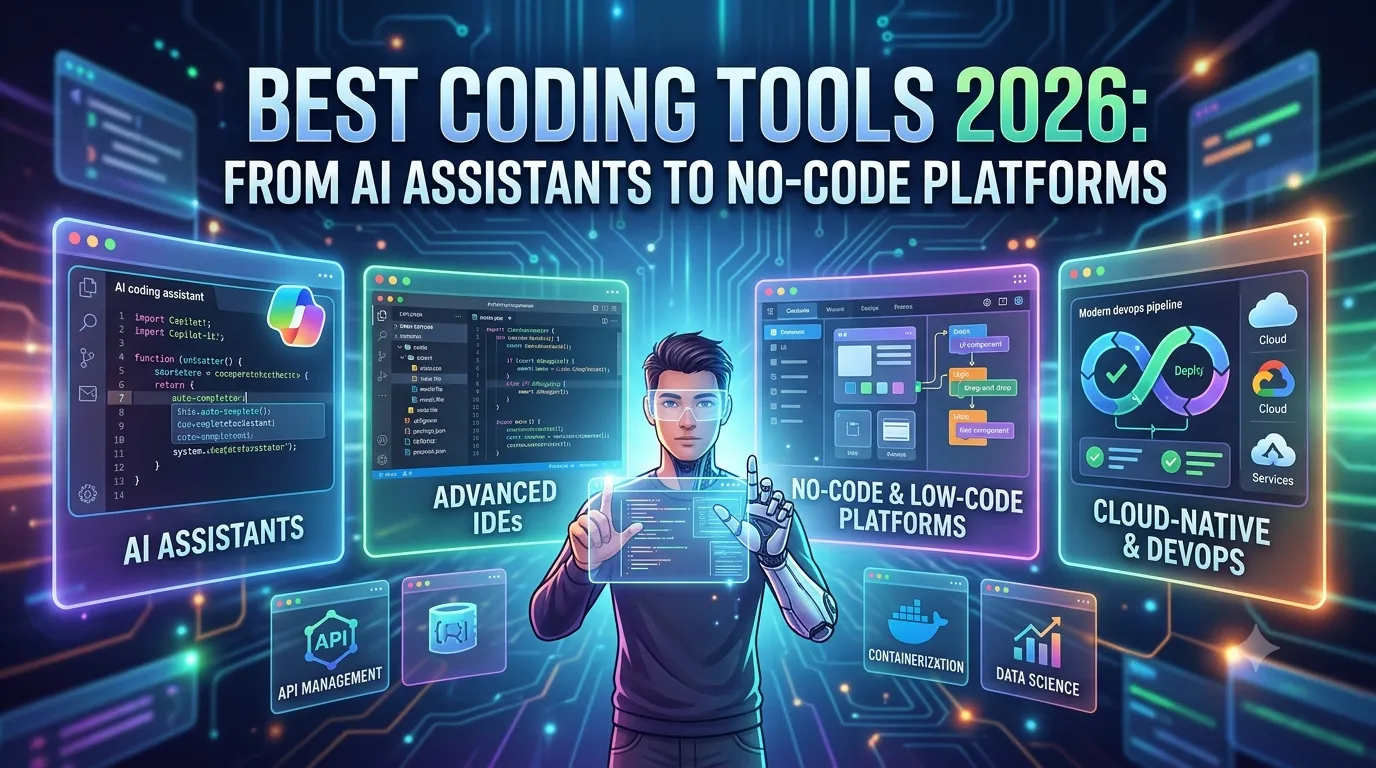
Best Coding Tools 2026: From AI Assistants to No-Code Platforms
Let me ask you something. When was the last time you wrote code from scratch without any AI assistance? If you're like most developers in 2026, the answer is probably: "I can't remember."
The coding landscape has transformed dramatically. AI tools are now embedded in every stage of the development process — from ideation to deployment. And at the same time, no-code and low-code platforms are empowering non-developers to build powerful applications without writing a single line of code.
In this guide, I'll walk you through the best coding tools in 2026, from AI-powered assistants to no-code platforms. Whether you're a seasoned developer, a digital marketing professional looking to automate workflows, or a student taking a digital marketing course, this is your roadmap to the modern development stack.
Let's dive in.
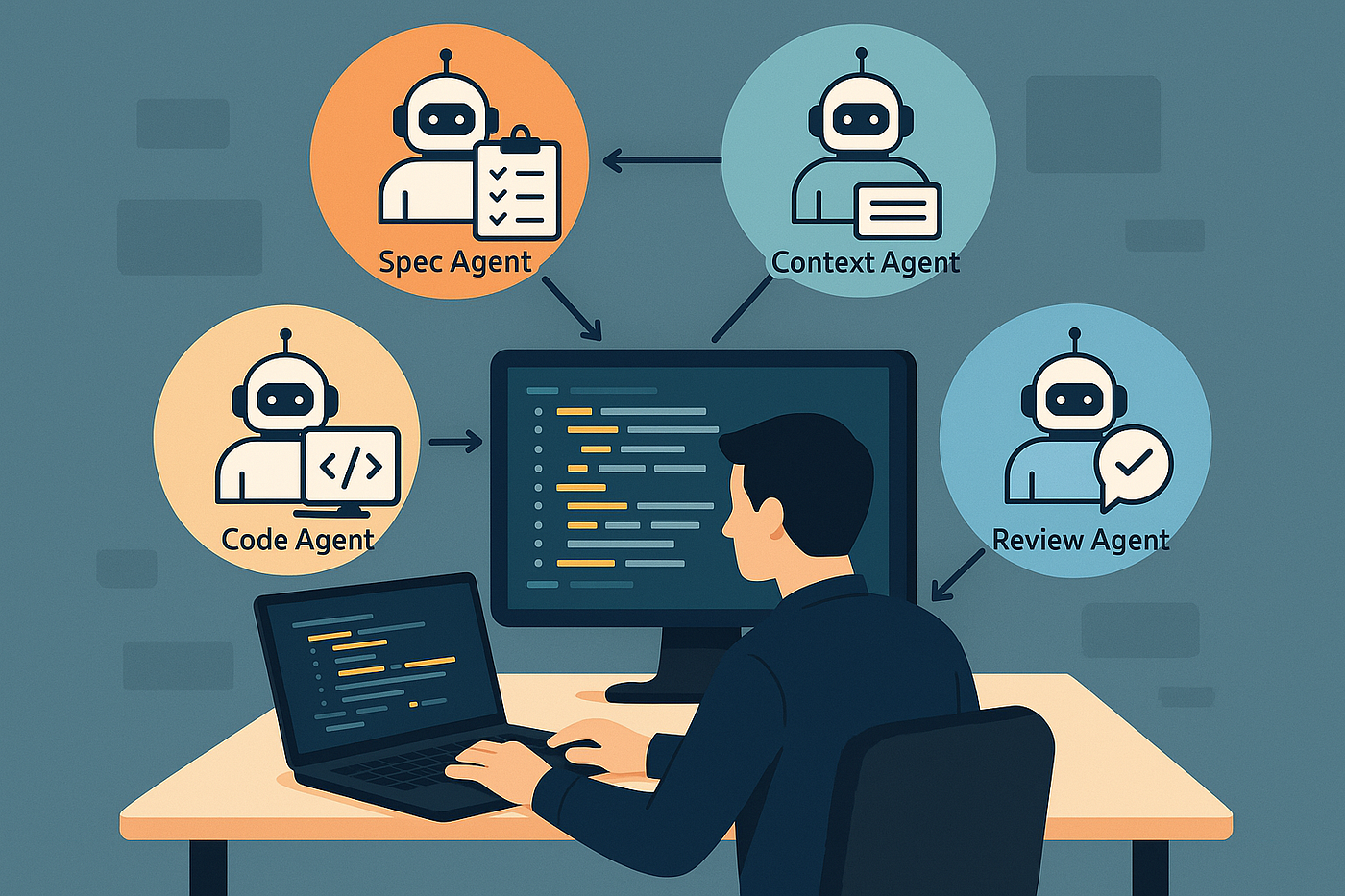
1. The Coding Landscape in 2026: What's Changed?
Here's the reality: AI has fundamentally changed how we code. It's not just about autocomplete anymore. AI is now generating entire functions, debugging code, writing documentation, and even architecting systems.
At the same time, no-code and low-code platforms have matured significantly. They're no longer just for simple websites — they're powering complex applications, internal tools, and even enterprise solutions.
The result? You can build more, faster, and with less effort than ever before. But with so many tools available, choosing the right stack can be overwhelming. That's where this guide comes in.
1.1 Who Is This Guide For?
- Professional developers looking to supercharge their workflow
- Business owners who want to build apps without hiring a development team
- Digital marketers who want to automate workflows and build landing pages
- Students learning to code in the age of AI
2. AI-Powered Coding Assistants
AI coding assistants are the biggest productivity boost for developers since the invention of the IDE. Here are the best ones in 2026.
2.1 GitHub Copilot – The Pioneer
GitHub Copilot, powered by OpenAI, is the original AI coding assistant. It's now more accurate and capable than ever. Copilot suggests entire lines or blocks of code as you type, understands context, and even generates functions from comments.
Best for: General-purpose coding across all languages
Free tier: Yes (limited)
Pro tip: Copilot works best when you write clear comments describing what you want to build.
2.2 Cursor – The New Contender
Cursor is the AI-native code editor that's taking the developer world by storm. It integrates AI deeply into the editing experience, allowing you to generate, refactor, and debug code using natural language.
Best for: Developers who want a seamless AI-native experience
Free tier: Yes
Pro tip: Use Cursor's "AI chat" feature to ask questions about your codebase.
2.3 Codeium – The Free Alternative
Codeium is a free AI coding assistant that rivals Copilot. It supports over 70 programming languages and integrates with VS Code, JetBrains, and other popular IDEs.
Best for: Developers who want a free alternative to Copilot
Free tier: Yes (generous)
Pro tip: Codeium's free tier offers unlimited use for individual developers.
2.4 Amazon CodeWhisperer – The Enterprise Choice
CodeWhisperer is AWS's AI coding assistant. It's optimized for building on AWS services and includes enterprise-grade security and governance features.
Best for: Teams building on AWS
Free tier: Yes (limited)
Pro tip: CodeWhisperer can scan your code for security vulnerabilities.
3. No-Code and Low-Code Platforms
You don't need to be a developer to build powerful applications anymore. No-code platforms have matured significantly in 2026.

3.1 Bubble – Best for Web Apps
Bubble is the most popular no-code platform for building web applications. It's visual, powerful, and can handle complex logic, databases, and workflows. You can build anything from a simple landing page to a full-featured SaaS product.
Best for: Building custom web applications
Free tier: Yes
Pro tip: Start with a template and customize it to your needs.
3.2 FlutterFlow – Best for Mobile Apps
FlutterFlow is the leading no-code platform for building mobile apps using Google's Flutter framework. It generates clean, production-ready code that you can export and customize.
Best for: Mobile app development (iOS and Android)
Free tier: Yes
Pro tip: You can export FlutterFlow projects to continue development in Flutter.
3.3 Webflow – Best for Design-First Websites
Webflow combines visual design with powerful CMS and e-commerce features. It's the go-to platform for designers who want to build custom websites without code.
Best for: Custom websites and landing pages
Free tier: Yes (limited)
Pro tip: Webflow's CMS makes it easy to manage dynamic content.
3.4 Make (Integromat) – Best for Automation
Make lets you visually create automations between apps without coding. It's powerful, flexible, and handles complex workflows with ease.
Best for: Workflow automation and integrations
Free tier: Yes
Pro tip: Use Make to automate repetitive marketing and business tasks.
4. Traditional IDEs with AI Features
Your IDE is still your command center. Here are the best traditional IDEs that have embraced AI.
4.1 VS Code – The Industry Standard
VS Code remains the most popular code editor. Its extensions ecosystem — including Copilot, Codeium, and Cursor integration — makes it incredibly powerful.
Best for: All-purpose development
Free tier: Yes
Pro tip: Install the "Remote" extensions to code directly on servers and containers.
4.2 JetBrains IntelliJ – Best for Enterprise
IntelliJ IDEA is the gold standard for Java development and a powerful IDE for many other languages. Its AI features are integrated deeply into the development workflow.
Best for: Enterprise Java and Kotlin development
Free tier: Community edition available
Pro tip: Use IntelliJ's "inspect code" feature to find potential issues.
4.3 Replit – Best for Collaboration
Replit is a browser-based IDE that makes collaboration seamless. You can code together in real-time, and Replit's AI features assist as you type.
Best for: Collaborative coding and quick prototyping
Free tier: Yes
Pro tip: Replit is great for coding interviews and pairing sessions.
5. Database and Backend Tools
5.1 Supabase – The Firebase Alternative
Supabase is an open-source Firebase alternative. It provides a Postgres database, authentication, and real-time subscriptions.
Best for: Building full-stack applications with a powerful backend
Free tier: Yes
Pro tip: Use Supabase's row-level security for fine-grained access control.
5.2 Render – Best for Deployment
Render is a cloud platform for deploying web applications, databases, and static sites. It's simpler than AWS and offers generous free tiers.
Best for: Deploying web apps and APIs
Free tier: Yes
Pro tip: Render supports automatic deploys from GitHub repositories.
5.3 PlanetScale – Best for Scalable Databases
PlanetScale is a serverless database platform built on Vitess. It scales automatically and offers generous free tiers.
Best for: Scalable MySQL databases
Free tier: Yes
Pro tip: PlanetScale's branching feature makes it easy to test schema changes.
6. Testing and Debugging Tools
6.1 Selenium – Best for Automation Testing
Selenium is the industry standard for browser automation and testing.
Best for: Web application testing
Free tier: Yes
6.2 Postman – Best for API Testing
Postman is the most popular tool for API development and testing.
Best for: API testing and documentation
Free tier: Yes
Pro tip: Use Postman's mock server feature to simulate API responses.
6.3 Jest – Best for JavaScript Testing
Jest is the most popular testing framework for JavaScript and React applications.
Best for: Frontend testing
Free tier: Yes
7. Version Control and Collaboration
7.1 GitHub – The Gold Standard
GitHub is the world's most popular platform for version control and collaboration. Copilot integration makes it even more powerful.
Best for: Code hosting and collaboration
Free tier: Yes
7.2 GitLab – Best for CI/CD
GitLab offers integrated CI/CD pipelines, making it a one-stop shop for development and deployment.
Best for: DevOps and CI/CD
Free tier: Yes
7.3 Bitbucket – Best for Enterprise
Bitbucket integrates with Jira and other Atlassian tools, making it ideal for enterprise teams.
Best for: Enterprise project management
Free tier: Yes
8. The Future: Agentic Coding
We're on the cusp of a new era: agentic coding. AI agents that don't just assist but take over entire development tasks. This includes:
- Autonomous debugging and bug fixing
- Self-evolving codebases that refactor themselves
- AI agents that architect entire systems
- Natural language development
The tools in this guide are just the beginning. The future of coding is one where humans and AI collaborate as teammates — not just as assistant and assistant.
9. Conclusion: The Right Stack for Your Goals
There's never been a better time to build software. Whether you're a professional developer, a business owner, or a marketer, the tools in 2026 make it possible to build faster, smarter, and cheaper than ever before.
But here's the good news: You don't need to use all of them. Choose the tools that fit your goals. If you're a developer, start with a great IDE and an AI assistant. If you're a marketer, explore no-code platforms and automation tools. If you're a business owner, build a full-stack solution using a combination of tools.
The choice is yours. Keep coding the old way, or embrace the future of development.
Join the best Digital Marketing Course to master AI-powered digital marketing and automation.
Frequently Asked Questions (5 Unique FAQs)
❓ 1. Do I still need to learn to code in 2026?
Yes — but learning to code is now about understanding concepts, not syntax. AI handles the repetitive parts. But to build great products, you still need to understand architecture, logic, and problem-solving.
❓ 2. Can I build a full app without writing any code?
Yes. Platforms like Bubble and FlutterFlow let you build complex web and mobile apps without writing code. However, to create truly custom and scalable solutions, some coding knowledge helps.
❓ 3. Which AI coding assistant is best for beginners?
Cursor and Codeium are both beginner-friendly. They integrate with VS Code, explain code as you go, and help you understand what's happening.
❓ 4. Are no-code platforms suitable for enterprise applications?
Yes. Enterprise-grade no-code platforms like OutSystems and Mendix are used by large organizations. However, for most startups and SMBs, Bubble and FlutterFlow are more than capable.
❓ 5. Will AI coding assistants replace developers?
No. AI coding assistants are augmenting developers, not replacing them. They handle the routine tasks so developers can focus on solving more complex problems.