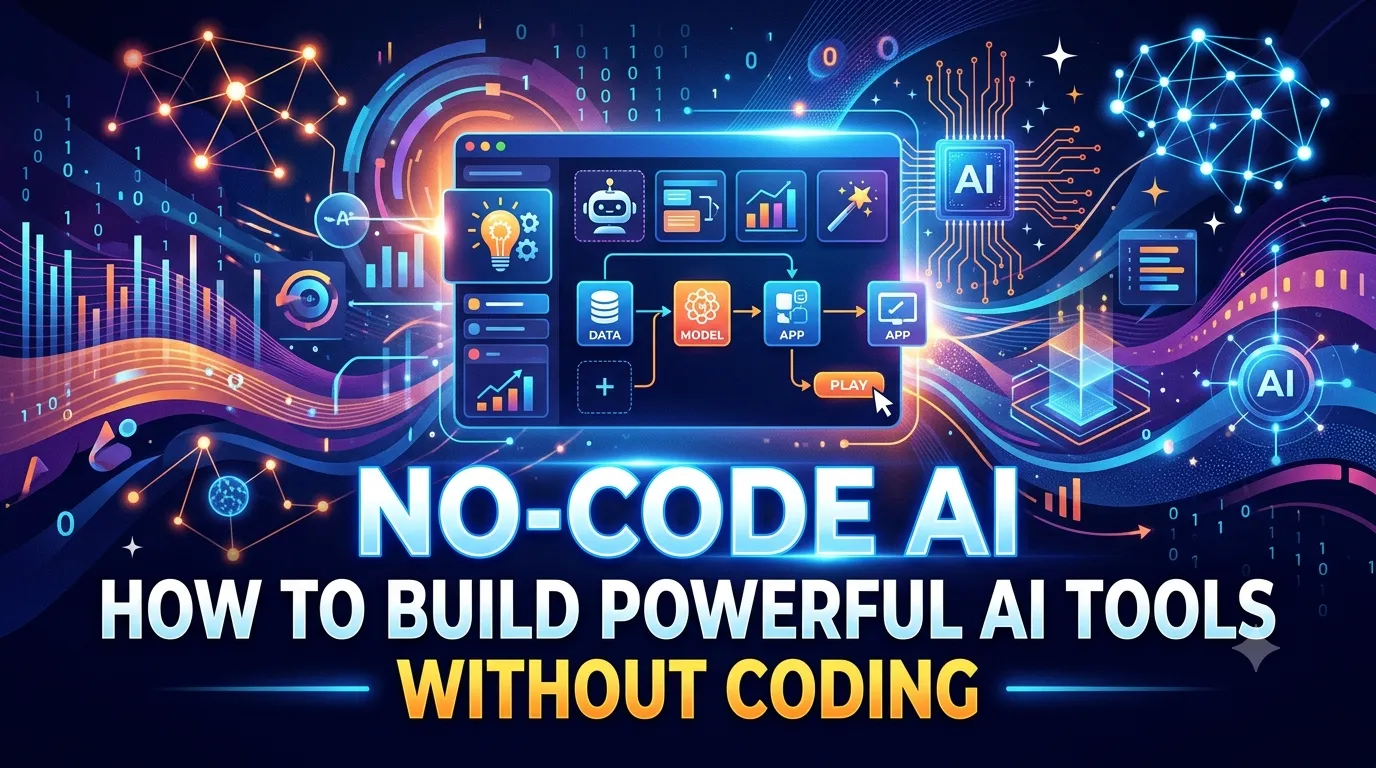
No-Code AI: How to Build Powerful AI Tools Without Coding
Let me ask you something. Have you ever had an idea for an AI tool but stopped because you thought: "I can't code, so I can't build it"?
If you're like most digital marketing professionals, the answer is: "Yes. All the time." The belief that you need to be a developer to build AI tools is one of the biggest myths holding people back. Here's the truth: You don't need to code to build powerful AI tools.
No-code AI platforms are making AI accessible to everyone. You can build chatbots, automate workflows, create custom AI assistants, and more—all without writing a single line of code.
In this guide, I'll show you exactly how to build powerful AI tools without coding. Whether you're a digital marketing professional, a business owner, or a student taking a digital marketing course, this is your blueprint for building AI tools that solve real problems.
Let's dive in.
1. What Is No-Code AI?
No-code AI is the development of AI-powered applications and workflows without writing traditional programming code. Instead of coding, you use visual interfaces, drag-and-drop tools, and pre-built components.

1.1 Why No-Code AI Matters
- Accessibility: Anyone can build AI tools, not just developers
- Speed: Build tools in hours, not months
- Cost: No need to hire expensive developers
- Flexibility: Iterate and improve quickly
- Empowerment: Non-technical teams can solve their own problems
1.2 The Rise of No-Code
No-code platforms have exploded in popularity. They're now sophisticated enough to build complex applications, AI agents, and automated workflows. The tools are accessible to anyone willing to learn.
2. What You Can Build with No-Code AI
Here's what you can build without coding.
2.1 AI-Powered Chatbots
- Customer support bots
- Lead qualification bots
- Internal knowledge base bots
- Personal assistants
2.2 Automated Workflows
- Content creation workflows
- Lead generation and nurturing
- Data analysis and reporting
- Email marketing automation
2.3 Custom AI Assistants
- Research assistants
- Content generators
- Social media managers
- Analytics assistants
2.4 AI-Powered Applications
- Internal tools for teams
- Customer-facing applications
- Data dashboards
- Recommendation engines
3. The Best No-Code AI Platforms
Here are the essential AI tools for no-code development.
3.1 Make (formerly Integromat) – Workflow Automation
What it does: Visual platform for building automated workflows connecting apps and AI tools.
Best for: Automating repetitive tasks, connecting AI to your existing tools.
Free tier: Yes.
3.2 Zapier – No-Code Automation
What it does: Connects apps and automates workflows without coding.
Best for: Simple automations and integrations.
Free tier: Yes.
3.3 Bubble – No-Code Web App Builder
What it does: Build fully functional web applications without coding.
Best for: Creating custom AI-powered applications.
Free tier: Yes.
3.4 Glide – No-Code Mobile App Builder
What it does: Build mobile apps from spreadsheets without coding.
Best for: Mobile-friendly AI tools and dashboards.
Free tier: Yes.
3.5 Voiceflow – No-Code Chatbot Builder
What it does: Build AI chatbots with a drag-and-drop interface.
Best for: AI-powered conversational experiences.
Free tier: Yes.
3.6 Retool – Internal Tools
What it does: Build internal tools for your team without coding.
Best for: AI-powered dashboards and admin tools.
Free tier: Yes.
3.7 ChatGPT/Claude – AI Assistants
What it does: Use AI to help you build, plan, and execute your no-code projects.
Best for: Ideation, research, and content creation.
Free tier: Yes.
4. Step-by-Step: Build Your First No-Code AI Tool
Here's how to build a simple AI tool without coding—a lead qualification chatbot.
Step 1: Define Your Goal
What do you want your AI tool to do? For this example, we'll build a chatbot that qualifies leads.
Step 2: Choose Your Platform
Use Voiceflow for the chatbot interface and Make to connect it to your CRM.
Step 3: Design the Conversation Flow
- Welcome message
- Qualification questions (industry, budget, timeline)
- Qualification logic (score leads)
- Escalation to human agent
Step 4: Connect to Your Data
Use Make to connect your chatbot to your CRM. When a lead is qualified, automatically add them to your CRM.
Step 5: Test and Launch
Test your chatbot with real users. Gather feedback and iterate.
5. Advanced No-Code AI Projects
Here are more advanced projects you can build without coding.
5.1 AI Content Generator
- Use ChatGPT/Claude API with Make
- Automatically generate blog posts, social captions, and emails
- Connect to your CMS for automatic publishing
5.2 AI Social Media Manager
- Use AI to generate social media posts
- Automatically schedule and post to all platforms
- Analyze performance and optimize
5.3 AI Data Analyst
- Connect your data sources to AI
- Generate automated reports and insights
- Visualize data with no-code dashboards
6. No-Code AI Best Practices
Here are tips for building effective no-code AI tools.
6.1 Start Small
Start with a simple, specific problem. Build a tool that solves it. Then expand.
6.2 Use Templates
Most no-code platforms offer templates. Start with a template and customize it to your needs.
6.3 Test with Real Users
Get your tool in front of real users as soon as possible. Gather feedback and iterate.
6.4 Focus on Value
Build tools that solve real problems. Focus on value over features.
7. Real-World Example: The No-Code AI Success Story
Here's how a digital marketing agency used no-code AI to transform their business:
- Challenge: They were spending 20+ hours per week on client reporting
- Solution: Built a no-code AI dashboard using Retool and ChatGPT API
- Result: Reporting time dropped from 20 hours to 2 hours per week
8. Conclusion: You Don't Need to Code to Build AI Tools
The belief that you need to code to build AI tools is a myth. No-code AI platforms make AI accessible to everyone. You can build chatbots, automate workflows, and create custom AI assistants—all without writing a single line of code.
But here's the good news: You can start today. Choose one platform. Pick one problem. Build your first tool. The more you build, the more you'll learn.
The choice is yours. Keep thinking you can't build AI tools, or start building with no-code today.
Join the best Digital Marketing Course to master AI-powered marketing and digital strategy in 2026.
Frequently Asked Questions (5 Unique FAQs)
❓ 1. Do I really need no coding skills to use no-code AI platforms?
Yes. No-code AI platforms are designed for non-technical users. You use visual interfaces, drag-and-drop tools, and pre-built components—no coding required.
❓ 2. Can no-code AI tools handle complex tasks?
Yes. Modern no-code platforms can handle complex workflows, integrations, and AI-powered tasks. They're sophisticated enough for enterprise use.
❓ 3. Are no-code AI tools expensive?
Many no-code platforms offer free tiers. Paid tiers start as low as $20/month. Compared to hiring developers, no-code is far more cost-effective.
❓ 4. Can I build a custom AI assistant with no-code?
Yes. Platforms like Voiceflow and ChatGPT allow you to build custom AI assistants without coding. You can train them on your own data and customize their behavior.
❓ 5. What's the best no-code platform for beginners?
Start with Make or Zapier for automation. For chatbots, use Voiceflow. For web apps, use Bubble. Choose based on what you want to build.