Let me ask you something. Have you ever looked at the price tag on premium SEO tools like Ahrefs, SEMrush, or Moz and felt your wallet scream in pain? Yeah, me too. For small business owners, startups, and digital marketers on a budget, those subscription costs can feel like a punch to the gut.
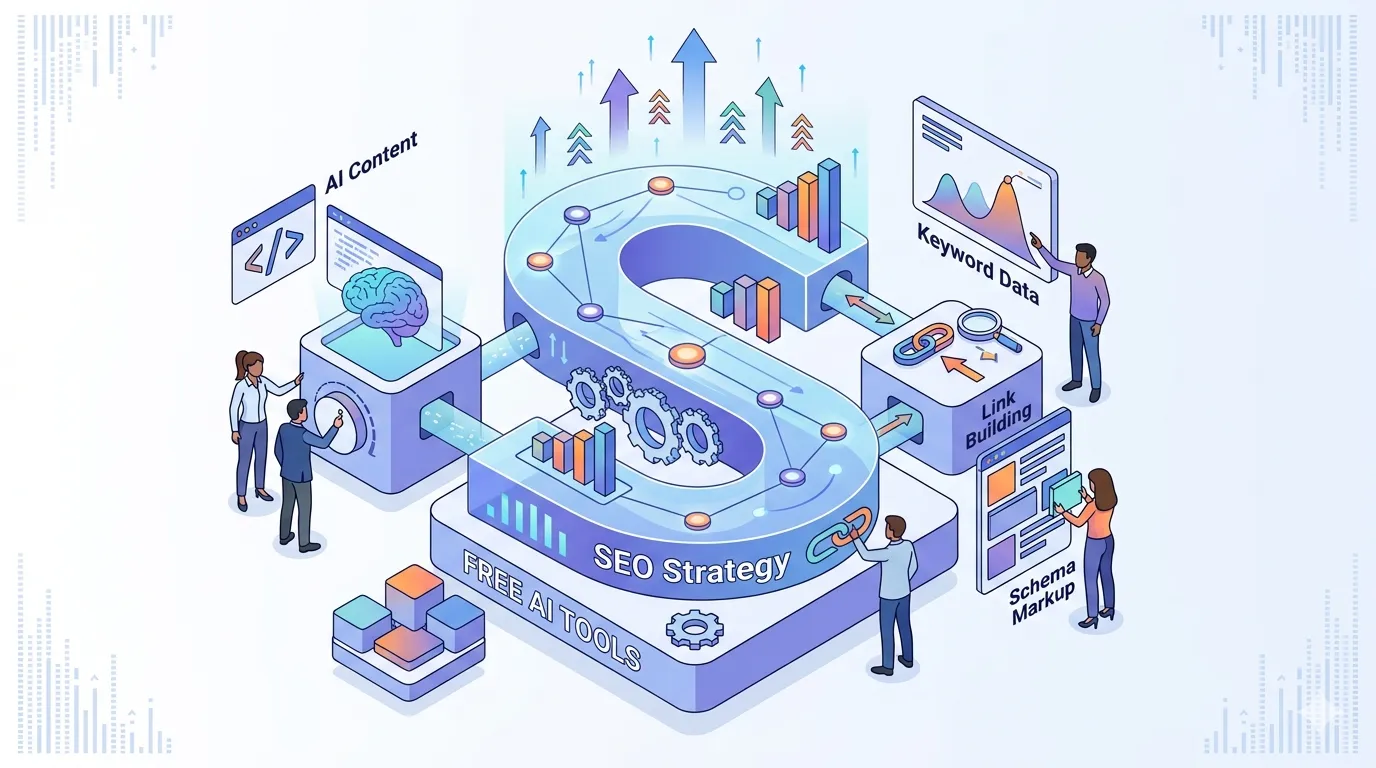
But here's the plot twist you didn't see coming: you don't need to spend a dime to build a powerful, data-driven SEO strategy. That's right. With the explosion of free ai tools, you can research keywords, analyze competitors, optimize content, track rankings, and even generate backlink opportunities — all without spending a single dollar.
In this guide, I'll walk you through a complete SEO course in a single blog post — showing you exactly how to build an SEO strategy using only free AI tools. Whether you're running a digital marketing course or just trying to rank your own business, this playbook works.
1. Why Free AI Tools Are a Game-Changer for SEO
Here's the thing: traditional SEO tools are expensive because they do a lot of heavy lifting. But AI has democratized access to that heavy lifting. Free AI tools now offer capabilities that would have cost thousands just a few years ago.
1.1 The Shift from Paid to Free
Remember when you needed a paid subscription just to check backlinks or analyze competitor keywords? Those days are fading. Platforms like Google offer free tools, and AI-powered alternatives are filling the gaps. The result? A level playing field where anyone with internet access can build a competitive SEO strategy.
1.2 Why AI Makes Free SEO Possible
AI excels at pattern recognition, data analysis, and content generation — all core components of SEO. Free AI tools leverage advanced algorithms to deliver insights that used to require human analysts or expensive software. It's not about cutting corners; it's about working smarter.
2. Step 1: Keyword Research with Free AI Tools
Keyword research is the foundation of any SEO strategy. Without knowing what your audience is searching for, you're essentially throwing darts in the dark. Here's how to do it for free.
2.1 Google Keyword Planner (Free)
Yes, it's technically an ads tool, but Google Keyword Planner is still one of the best free keyword research tools available. It gives you search volume, competition level, and suggested bid prices. Even without running ads, the data is invaluable for understanding what people are searching for.
2.2 AnswerThePublic (Free Tier)
AnswerThePublic visualizes search questions and prepositions based on real search data. It's perfect for finding long-tail keywords and question-based queries that can drive highly targeted traffic. The free version gives you a daily search limit, but it's more than enough to get started.
2.3 ChatGPT for Keyword Ideation (Free)
Yes, you can use ChatGPT for keyword research. Here's a prompt you can copy-paste: "Act as an SEO expert. Generate a list of 50 long-tail keywords related to [your topic] with search intent (informational, commercial, transactional). Group them by topic cluster." The results are surprisingly good.
2.4 Google Autocomplete and Related Searches (Free)
This is so simple it hurts: just type your main keyword into Google and look at the autocomplete suggestions and "People also ask" section. These are real queries people are searching for. Use them to build your content calendar.
3. Step 2: Competitor Analysis Without Spending a Penny
You don't need SEMrush to spy on your competitors. Free AI tools can give you deep insights into what's working for them and how to outperform them.
3.1 Google Search Operator Basics
Use Google itself as a research tool. Search for "intitle:your keyword" to find pages that have your target keyword in the title. Search for "site:competitor.com keyword" to see what they're ranking for. It's manual but incredibly effective.
3.2 Ubersuggest's Free Tier
Neil Patel's Ubersuggest offers a generous free tier that shows you competitor keywords, top pages, and domain overview. While the free version limits you to three searches per day, it's still valuable for initial competitive analysis.
3.3 ChatGPT for Content Gap Analysis
Here's a prompt to identify content gaps: "Analyze these three competitor URLs: [URL1, URL2, URL3]. Identify common topics they cover, topics they miss, and suggest content ideas to outperform them. Format as a content brief with headings and target keywords."
3.4 Google Alerts (Free)
Set up Google Alerts for your competitors' brand names and main keywords. You'll get daily email updates on when they publish new content, get mentioned in the news, or launch new products. It's like having a free monitoring system.
4. Step 3: Content Optimization with Free AI Tools
Creating content is one thing. Optimizing it for SEO is another. Here's how to do both for free.
4.1 ChatGPT for SEO-Optimized Content Creation
Use ChatGPT to generate SEO-friendly outlines, introductions, and even full drafts. But here's the key: you must add your own expertise and insights. AI-generated content without human input is usually thin and easy to spot. Use AI as a writing assistant, not a replacement.
Prompt example: "Write a 300-word SEO-optimized section on [topic] targeting the keyword [keyword]. Include a primary header (H2), supporting subheadings (H3), and a natural keyword density of 1-2%."
4.2 Grammarly's Free Version
Grammar matters for SEO? Yes. Google's algorithm favors well-written, error-free content. Grammarly catches typos, suggests better phrasing, and improves readability. All for free.
4.3 Hemingway Editor (Free Web Version)
Readability is a ranking factor. The Hemingway Editor highlights complex sentences, passive voice, and hard-to-read text. Aim for a Grade 8-10 reading level for maximum accessibility.
4.4 Yoast SEO for WordPress (Free)
If you're on WordPress, the free version of Yoast SEO gives you on-page optimization guidance. It checks keyword usage, readability, meta descriptions, and internal linking suggestions.
5. Step 4: Technical SEO Without Developer Skills
Technical SEO sounds scary, but free AI tools make it accessible to everyone.
5.1 Google Search Console (Free)
This is non-negotiable. Search Console shows you which keywords you're ranking for, click-through rates, indexing status, and technical issues like broken links or mobile usability problems. It's literally free, and it's the most important SEO tool you can have.
5.2 Google PageSpeed Insights (Free)
Page speed is a ranking factor. Google PageSpeed Insights analyzes your website and gives you specific recommendations to improve speed. It even prioritizes fixes by impact.
5.3 Screaming Frog SEO Spider (Free Version)
The free version of Screaming Frog crawls up to 500 pages, which is plenty for most small websites. It finds broken links, duplicate content, missing meta tags, and other technical issues you can fix immediately.
5.4 ChatGPT for Technical SEO Guidance
Don't understand what "canonical tags" or "hreflang attributes" are? Just ask ChatGPT. Use prompts like: "Explain canonical tags in simple terms and tell me how to implement them on WordPress." It's like having an SEO consultant on demand.
6. Step 5: Backlink Analysis and Link Building
Backlinks remain one of Google's top ranking factors. Here's how to find and earn them for free.
6.1 Google Search Console for Backlink Data
Search Console shows you which websites are linking to you. While it doesn't give you competitor backlink data, it gives you a starting point to understand your link profile.
6.2 Ubersuggest (Free Tier)
The free version of Ubersuggest shows you up to 25 backlinks per competitor. It's not comprehensive, but it's enough to identify key opportunities and understand where your competitors are getting links.
6.3 ChatGPT for Link Prospect Identification
Use ChatGPT to find link-building opportunities. Prompt: "Suggest 20 websites that accept guest posts in the [your niche] niche. Include domain authority estimates and contact information where available."
6.4 HARO (Help a Reporter Out) – Free
HARO connects journalists with experts. By responding to queries, you can get featured on high-authority sites like Forbes, Business Insider, and TechCrunch. It's completely free and one of the best link-building strategies for small businesses.
7. Step 6: Track and Measure Your Results
You can't improve what you don't measure. Here are free tools to track your SEO strategy progress.
7.1 Google Analytics (Free)
Google Analytics 4 is free and gives you detailed traffic data — where visitors are coming from, which pages they're viewing, how long they stay, and conversion tracking. It's the backbone of any data-driven digital marketing effort.
7.2 Google Search Console (Again)
Search Console tracks your keyword rankings, impressions, clicks, and click-through rate. Use the performance report to identify which pages are winning and which need improvement.
7.3 SEO Minion (Chrome Extension – Free)
This free Chrome extension analyzes on-page SEO, checks broken links, and even helps with hreflang validation. It's lightweight but surprisingly powerful.
8. The 30-Day SEO Strategy Using Free AI Tools
Ready to put it all together? Here's a month-long action plan.
Week 1: Research and Planning
- Use Google Keyword Planner + ChatGPT to generate a keyword list (50+ keywords).
- Analyze 2-3 top competitors using Ubersuggest and Google searches.
- Create a content calendar with 10-15 topics based on your keyword research.
- Set up Google Search Console and Google Analytics (if not already done).
Week 2: Content Creation
- Write 3-4 pillar content pieces using ChatGPT for outlines and drafting.
- Optimize with Yoast SEO, Hemingway, and Grammarly.
- Add internal links to existing content to improve site structure.
- Publish and submit to Google Search Console for indexing.
Week 3: Technical SEO and Optimization
- Run Screaming Frog (free version) to find technical issues.
- Fix broken links, duplicate meta tags, and missing alt text.
- Optimize images and improve page speed with Google PageSpeed Insights.
- Update older content with new keywords and fresh information.
Week 4: Link Building and Tracking
- Reach out to HARO queries for potential backlinks.
- Use Ubersuggest to identify broken links on competitors' sites and pitch your content as a replacement.
- Monitor rankings and traffic in Search Console and Google Analytics.
- Adjust strategy based on performance data — double down on what's working.
9. Common Mistakes to Avoid When Using Free AI Tools
Free tools are powerful, but they have limitations. Here's what to watch out for.
9.1 Over-Reliance on AI-Generated Content
AI can draft content, but it can't replace your expertise. Google's algorithms are getting better at detecting generic AI content. Always add your unique perspective, data, case studies, and real-world examples. Think of AI as your research assistant, not your ghostwriter.
9.2 Ignoring Data Limitations
Free tools have data limits — fewer keywords, fewer backlinks, lower search volume accuracy. Understand these limitations and cross-reference multiple free tools to get a more complete picture. No single free tool gives you everything.
9.3 Neglecting User Experience
SEO isn't just about keywords. Google cares about user experience — bounce rate, time on page, mobile responsiveness, and page speed. Free tools can help with technical SEO, but you also need to ensure your site is genuinely useful and easy to navigate.
10. Conclusion: You Have Everything You Need
Here's the truth: you don't need an expensive SEO course or premium software to rank your website. With free ai tools like Google Search Console, Ubersuggest, ChatGPT, and Screaming Frog, you have everything you need to build a winning SEO strategy.
The difference between those who succeed and those who don't isn't their budget — it's their execution. The tools are free, but the discipline to research, create, optimize, and track consistently is what separates the winners from the also-rans.
Start small. Choose one keyword. Create one piece of optimized content. Track it for a month. Learn from the data. Scale what works. That's how you build a sustainable digital marketing engine using free AI tools.
And if you're serious about mastering AI-powered digital marketing and social media marketing, consider a structured digital marketing course that teaches you all the tools, strategies, and automation techniques the pros use. But even without it, this guide gives you a solid foundation.
Ready to start ranking? The tools are free. The time is now. Let's go.
Frequently Asked Questions (5 Unique FAQs)
❓ 1. Can I really build a successful SEO strategy without spending money?
Absolutely. Many businesses have grown to six-figure revenues using only free SEO tools. Google Search Console, Ubersuggest (free tier), and ChatGPT are powerful enough to drive significant organic traffic. The key is consistent execution, not expensive software.
❓ 2. How accurate are free AI tools compared to paid tools like SEMrush?
Free tools are generally less comprehensive and less accurate — they often use sampled data or have usage limits. However, for small businesses and startups, free tools provide enough actionable data to build a solid SEO strategy. You can get 80% of the value for 0% of the cost.
❓ 3. Is AI-generated content penalized by Google?
Google doesn't penalize AI content automatically — they penalize low-quality content regardless of whether it's human or AI generated. The key is to ensure your content is helpful, original, and written with expertise. Always review and personalize AI-generated drafts before publishing.
❓ 4. How long does it take to see results from an SEO strategy?
Most businesses see initial improvements in 2-3 months, but significant results typically take 4-6 months. SEO is a long-term game. Free AI tools help you accelerate the process, but patience is still essential. Track your progress monthly, not daily.
❓ 5. What's the single best free SEO tool I should start with?
Google Search Console is the most important free SEO tool. It gives you direct data from Google about your site's performance — exactly what you need to prioritize improvements. If you install nothing else, install Search Console.


